Nano Banana Pro cost and ROI: October 1, 2026
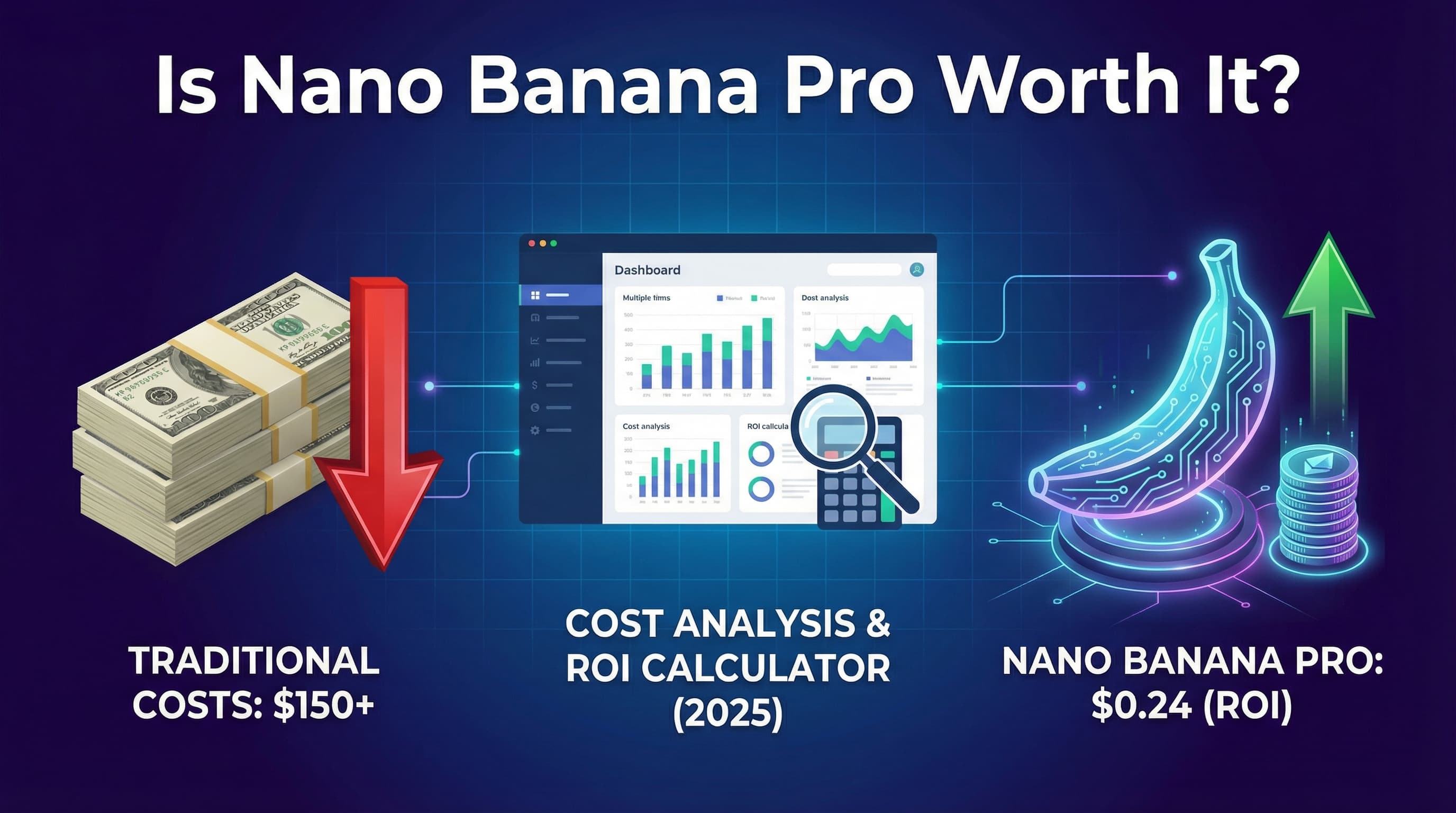
Use $0.134 for a standard 1K/2K output image and $0.24 for 4K. Google's published model is Gemini 3 Pro Image (Nano Banana Pro). These are output charges, not all-in job costs. Text/image input, text and thinking output, retries and applicable grounding fees must also be budgeted. The old $0.139 figure and the approximately $0.04 Nano Banana figure are not the current standard Pro output rates. Official Google pricing
| Generated outputs | Standard 1K/2K | Standard 4K | Batch 1K/2K | Batch 4K |
|---|---|---|---|---|
| 100 | $13.40 | $24.00 | $6.70 | $12.00 |
| 500 | $67.00 | $120.00 | $33.50 | $60.00 |
| 1,000 | $134.00 | $240.00 | $67.00 | $120.00 |
These are illustrative output-only calculations from Google's published rounded per-image prices, not observed invoices. Batch output rates are $0.067 for 1K/2K and $0.12 for 4K. Batch is a separate processing mode, so check whether its timing suits your job. Consumer Gemini subscriptions and any promotional credits are separate; this estimate does not assume a free daily allowance, trial eligibility or a credit grant.
Calculate cost per usable asset
Generation count is not the same as delivered-image count. Use this worksheet:
Not sure which AI model to use?
21 models · Personalized picks · 60 seconds
- Accepted images needed × average attempts per accepted image = generated outputs.
- Generated outputs × output rate + input/text/grounding costs = API budget.
- Add human editing, review, licensing checks and any subscriptions or integration work.
- Compare that total with the cost of the same deliverable using your existing process.
For example, 100 accepted 2K images requiring three attempts each imply 300 outputs, or $40.20 in output charges, before the other costs. If each accepted image needs five minutes of review at an assumed $30/hour, review adds $250 and the combined subtotal is $290.20. These are stated planning assumptions, not a claim about typical acceptance rates or wages.
When does the switch pay back?
Monthly net saving = current monthly production cost minus the complete AI-assisted monthly cost. Payback time = one-time setup cost divided by positive monthly net saving. If savings are zero or negative, there is no payback under those assumptions. Compare equivalent rights, quality and delivery requirements; a generated image is not automatically an interchangeable replacement for licensed stock or commissioned photography.
Choose 2K when it meets the delivery brief. At 1,000 generated images, standard 4K output costs $106 more than 2K ($240 minus $134), about 79.1% more in output charges. Avoid a universal “50 images per month” break-even rule or a promised 47:1 ROI: labor, acceptance rates and the alternative you are replacing determine the result.
Compare live alternatives, not retired APIs
Midjourney's monthly plans are $10/$30/$60/$120 for Basic/Standard/Pro/Mega. A subscription's effective cost per accepted image depends on your usage and GPU time. DALL·E 3 was removed from OpenAI's API on May 12, 2026, so its former per-image price is not an available purchasing option. OpenAI now recommends GPT-Image-2.5 Sunburst on the retired model page; evaluate its current token-based pricing with your own jobs. Midjourney plans, OpenAI retirement, replacement guidance
Historical observation, not a current price benchmark
The article originally published on December 4, 2025 reported “680 images in 6 days” costing “$19.84 with credits.” We retain that observation as a historical record, not a current per-image rate: the credit adjustment, exact model mix, resolution and complete bill are not established here. No new production test was run for this October 2026 pricing correction. Budget without promotional credits unless your own account confirms them.

Founder of Spectrum AI Labs — testing AI tools and models, and writing up what actually ships.
More about Paras →Need Help Calculating Your AI Image ROI?
We help businesses integrate AI image generation into their workflows with accurate cost projections. Get a free consultation to explore what's possible for your specific use case.