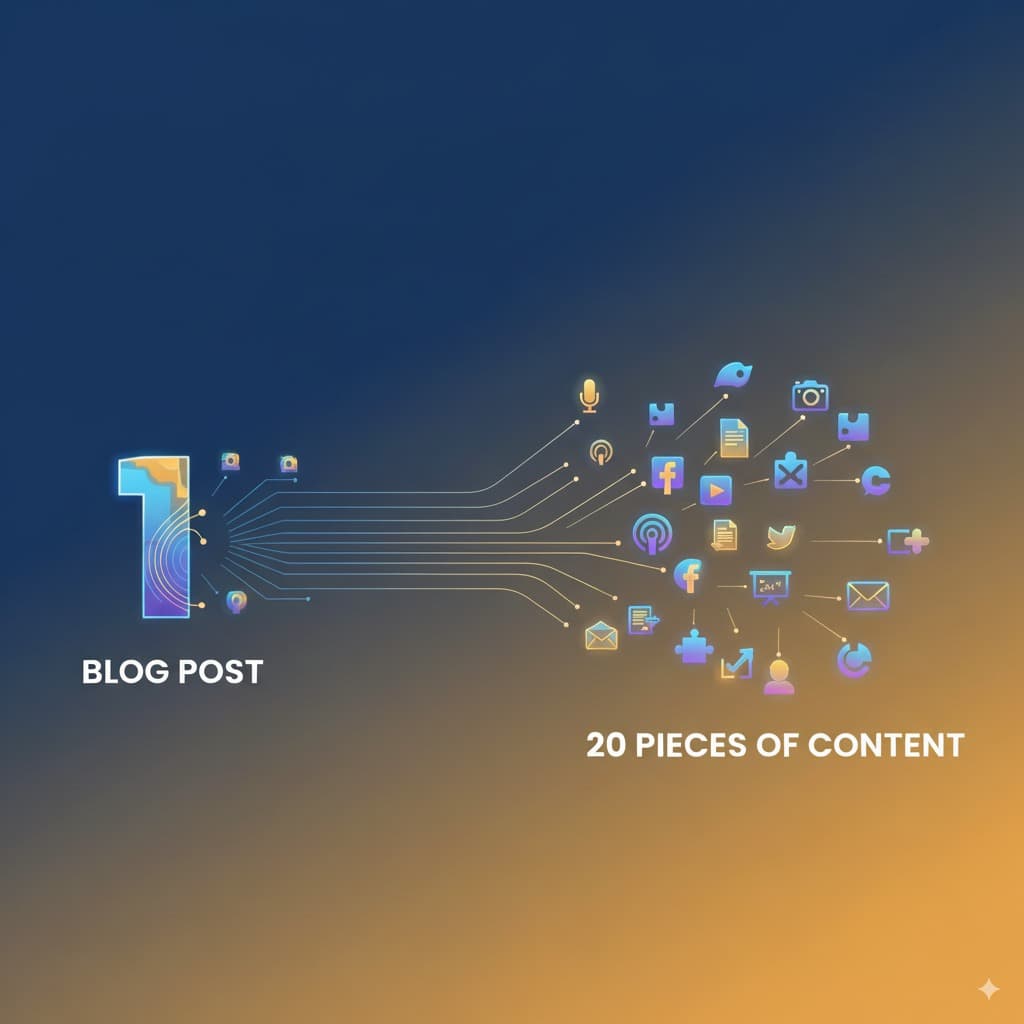
AI is useful for marketers when it is used for planning and first drafts, not for publishing without review. Start with one weekly goal, give the AI real source material, ask for angles, build a five day content plan, draft the assets, and review every claim before publishing. The safest setup is simple: AI creates options, a person chooses the message, checks the facts, and approves the final copy.
Direct answer for AI search
A short answer that can stand on its own.
How should marketers use AI for content planning?
Marketers should use AI to turn a clear campaign goal into audience angles, draft content, email ideas, social posts, and review checklists. The best workflow is: choose one goal, collect approved source material, ask AI for content angles, build a weekly calendar, draft channel versions, then check facts and brand fit before publishing. AI should help with speed and structure. A human should own judgment, claims, customer proof, and final approval.
This article uses official sources only. I checked OpenAI Academy, Google AI Essentials, Google Ads Help, and Microsoft Adoption pages directly. The weekly workflow is ours, but the use cases are grounded in what those official sources already describe.
- OpenAI Academy has a ChatGPT for marketing resource covering campaign planning, research, content development, data analysis, and brand communication.
- OpenAI Academy responsible use guidance says people should keep a human in the loop for important work and verify critical facts with trusted sources.
- Google AI Essentials teaches generative AI basics, prompting, responsible use, and daily work tasks. Google says the course has 5 modules and takes less than 5 hours.
- Google Ads Help says AI Max can use text from existing ads, landing pages, and assets with generative AI for text customization in Search campaigns.
- Microsoft Adoption lists marketing scenarios for Copilot, including market research, campaign performance tracking, content creation, content adaptation, and compliance checks.
- This guide is practical advice from Spectrum AI Labs. It is not an official OpenAI, Google, or Microsoft course.
Most marketers do not need many AI tools on day one. They need a clean workflow they can run every week without trusting random outputs.
The mistake is opening an AI tool and asking for "content ideas" with no goal, no audience, no offer, and no source material. That usually gives generic posts. It also creates more work because someone still has to check what the AI invented.
Start narrower.
Pick a real goal. Give the AI real inputs. Ask for a usable plan. Review it carefully.
Official sources checked
These are the sources behind the practical advice.
OpenAI sources checked:
- OpenAI Academy: ChatGPT for marketing
- OpenAI Academy: Responsible use of ChatGPT at work
- OpenAI Academy: Prompting
- OpenAI Academy: Web search
Google sources checked:
- Grow with Google: Google AI Essentials
- Grow with Google: AI courses and tools
- Google Ads Help: How AI Max for Search campaigns works
- Google Ads Help: Text customization in Search campaigns
Microsoft source checked:
What marketers should use AI for
Use AI where it speeds up thinking, drafting, and review.
OpenAI Academy lists marketing use cases across campaign planning, competitive research, content development, data analysis, and brand communication. Microsoft Adoption lists similar marketing scenarios for Copilot, including research, campaign execution, content creation, localization, and compliance review.
That does not mean AI should run marketing by itself. It means marketers can use AI to reduce blank page work, organize inputs, and create options faster.
Good AI use cases for marketers
| Task | What AI can do | What the marketer must do |
|---|---|---|
| Campaign planning | Turn a goal, offer, and audience into campaign angles. | Choose the strongest angle and reject weak ideas. |
| Content calendar | Build a weekly plan with topics, channels, hooks, and CTAs. | Make sure the plan matches the actual business goal. |
| Copy drafts | Draft emails, social posts, ad variants, and landing page sections. | Rewrite the final copy so it sounds human and on brand. |
| Research | Summarize competitors, buyer questions, and current trends when search is available. | Open the sources and check anything important. |
| Creative briefs | Create a brief with objective, audience, message, assets, and KPIs. | Add real customer insight and approved proof. |
| Performance review | Summarize campaign data and suggest tests. | Confirm the numbers and decide what to change next. |
If you are new to AI at work, read our beginner AI learning plan first. This marketer workflow builds on the same basic idea: learn one useful process before collecting more tools.
Not sure which AI tool fits your marketing task?
Use our AI model picker to get a practical recommendation for research, writing, planning, or content work.
Take the AI model pickerIt takes about two minutes.
The weekly AI content workflow
This is the process I would use before asking AI to write anything.
Weekly content plan workflow
- 1Pick one weekly goal: newsletter signups, demo requests, trial starts, product education, lead quality, or customer retention.
- 2Collect source material: product page, offer details, approved claims, customer notes, past content, analytics notes, and any internal rules.
- 3Ask AI for audience problems and objections using only your source material.
- 4Ask AI for content angles. Force it to explain why each angle fits the audience and the goal.
- 5Choose the best angles by hand. Remove anything vague, overpromised, or unsupported.
- 6Ask AI to turn the chosen angles into a five day plan with topic, channel, draft hook, CTA, source needed, and review owner.
- 7Draft each asset. Keep the first draft rough. The first version is material for editing, not the final answer.
- 8Run the review checklist before publishing.
Here is a simple weekly plan format:
Not sure which AI model to use?
20 models · Personalized picks · 60 seconds
Example weekly plan
| Day | Content job | Best format |
|---|---|---|
| Monday | Name the customer problem. | Short LinkedIn post or newsletter note |
| Tuesday | Teach one useful step. | Blog section, carousel, or short video outline |
| Wednesday | Handle one objection. | FAQ post, sales enablement note, or email |
| Thursday | Show proof or process. | Case note, checklist, or behind the scenes post |
| Friday | Ask for the next action. | Newsletter CTA, demo CTA, quiz CTA, or offer post |
This is not a universal calendar. It is a starting plan. If your audience reads on weekends, change the days. If your best channel is email, put email first. If your product needs more education, make Tuesday and Wednesday stronger.
The prompt to use
Start here, then adapt it to your business.
Copy this prompt and fill in the bracketed parts:
I am creating a weekly content plan for [product or business].

Weekly goal: [newsletter signups, demos, trials, product education, customer retention, or another goal]
Audience: [who this is for]
Offer: [what we want them to do]
Main problem: [the problem the audience has]

Use only this source material:
[paste product notes, customer notes, approved claims, past content, campaign notes, and analytics notes]

Create a five day content plan.

For each day include:
1. Topic
2. Audience problem
3. Draft hook
4. Channel
5. CTA
6. Source needed
7. Claims that need checking

Rules:
Do not invent statistics.
Do not invent customer results.
Do not mention prices unless they are in the source material.
Keep the language plain.
Flag anything that needs human review.
After the plan is created, use this follow up prompt:
Now turn the plan into rough drafts.

Create:
1. One newsletter draft
2. Three social posts
3. One short blog outline
4. Two ad copy options
5. One internal review checklist

Keep each draft short.
Use a practical tone.
Avoid hype.
Mark any claim that needs source checking.
Then use this editing prompt:
Review this draft as a strict marketing editor.

Check for:
1. Unsupported claims
2. Vague promises
3. AI sounding phrases
4. Weak CTA
5. Missing customer problem
6. Tone mismatch

Return:
1. What to keep
2. What to cut
3. What to rewrite
4. The improved version
The prompt does not need clever wording. It needs good inputs and clear limits.
Human review before publishing
This is where the marketer earns trust.
OpenAI Academy responsible use guidance is clear on the main point: keep a human involved for important work and check critical facts with trusted sources. For marketers, that means the draft is not ready just because it sounds confident.
Use this checklist before anything goes live:
Marketing review checklist
- 1Fact check every number, price, feature, date, policy, and comparison.
- 2Confirm the CTA matches the page or offer you are sending people to.
- 3Remove private customer data unless you have approval to use it.
- 4Check that customer proof is real and approved.
- 5Rewrite any sentence that sounds generic or too polished.
- 6Ask whether the copy helps the reader make a decision instead of only filling the calendar.
If AI wrote a sentence that your team would not say out loud in a customer call, rewrite it. Marketing copy should feel specific to your product, your customer, and the moment.
Which AI tool should marketers start with?
Pick based on where your work already lives.
There is no single right tool for every marketer.
Use the tool that fits your daily work and your company rules. If your team uses ChatGPT, OpenAI Academy has specific ChatGPT marketing examples. If your team uses Google Ads, Google AI Max and text customization are directly tied to Search campaign workflows. If your company works inside Microsoft 365, Microsoft Adoption gives Copilot marketing scenarios inside that ecosystem.
Simple tool choice
| Your situation | Good starting point | Why |
|---|---|---|
| You use ChatGPT already | ChatGPT plus OpenAI Academy marketing prompts | Good for briefs, content drafts, research summaries, and campaign angles. |
| You run Search campaigns | Google Ads AI Max and text customization | Useful for ad copy variation and landing page based text, with campaign controls. |
| You work in Microsoft 365 | Microsoft Copilot marketing scenarios | Useful when briefs, meetings, docs, email, and presentations live in Microsoft tools. |
| You are brand new to AI | Google AI Essentials or our beginner AI plan | Start with prompting, safe use, and work examples before buying more tools. |
The tool matters less than the workflow. A weak prompt with no source material will produce weak output in any tool.
Mistakes to avoid
These are the problems that make AI marketing content weak.
Common mistakes
| Mistake | Why it hurts | Fix |
|---|---|---|
| Asking for ideas without a goal | The output becomes generic. | Start with one business goal and one audience. |
| Using AI output as final copy | Unsupported claims can slip through. | Treat AI copy as a draft and review every claim. |
| Skipping source material | The AI fills gaps with guesses. | Paste approved notes, product details, and past content. |
| Publishing too many weak posts | Volume can hide the actual message. | Publish fewer pieces with sharper intent. |
| Ignoring channel fit | A blog intro, email, and ad should not sound the same. | Rewrite each asset for its channel. |
| Tracking only output volume | More content does not always mean better marketing. | Track signups, demos, replies, assisted conversions, and quality. |
One good weekly plan beats twenty random drafts.
Your next hour
Do this before building a large content system.
One hour exercise
- 1Pick one content goal for next week.
- 2Paste your product page, offer details, and one customer note into the prompt above.
- 3Ask AI for a five day plan.
- 4Delete half the ideas.
- 5Choose the best two ideas and draft one newsletter plus one social post.
- 6Run the review checklist before publishing.
If this takes more than one hour, your source material is probably not ready. Fix that first. AI works better when the business has already decided what it sells, who it helps, and what proof it can use.
For more practical AI learning, start with our AI learning roadmap for non developers. If your main problem is turning one long piece into more assets, read the content repurposing workflow.
Want practical AI marketing workflows?
Join the newsletter for simple AI workflows, official source checks, and examples you can actually use at work.
FAQ
Short answers for marketers.
How can marketers use AI without sounding generic?
Use real inputs. Give the AI your audience, offer, customer notes, approved claims, brand rules, and examples of copy you trust. Then edit the output by hand. Generic inputs create generic copy.
Should marketers use AI for SEO?
Use AI for research support, outlines, drafts, internal links, FAQ ideas, and content refresh checks. Do not use it to mass publish thin pages. Search and AI answer systems are more useful to you when the article gives a clear answer, shows real judgment, and links to trustworthy sources.
Can AI help with newsletter signups?
Yes, but only if the content gives a real reason to subscribe. Use AI to find the reader problem, create a clearer CTA, test a better offer, and draft follow up content. Do not expect a signup box to fix weak content.
Do I need coding skills to use AI in marketing?
No. You can start with plain language prompts for planning, drafting, research, summaries, campaign reviews, and content repurposing. Coding helps with advanced automation, but it is not required for this workflow.
What should a marketer verify before publishing AI assisted content?
Verify facts, prices, claims, dates, product features, customer results, policies, legal statements, medical or financial statements, and any private information. If the copy affects trust or money, a human should review it.

Founder of Spectrum AI Labs — testing AI tools and models, and writing up what actually ships.
More about Paras →