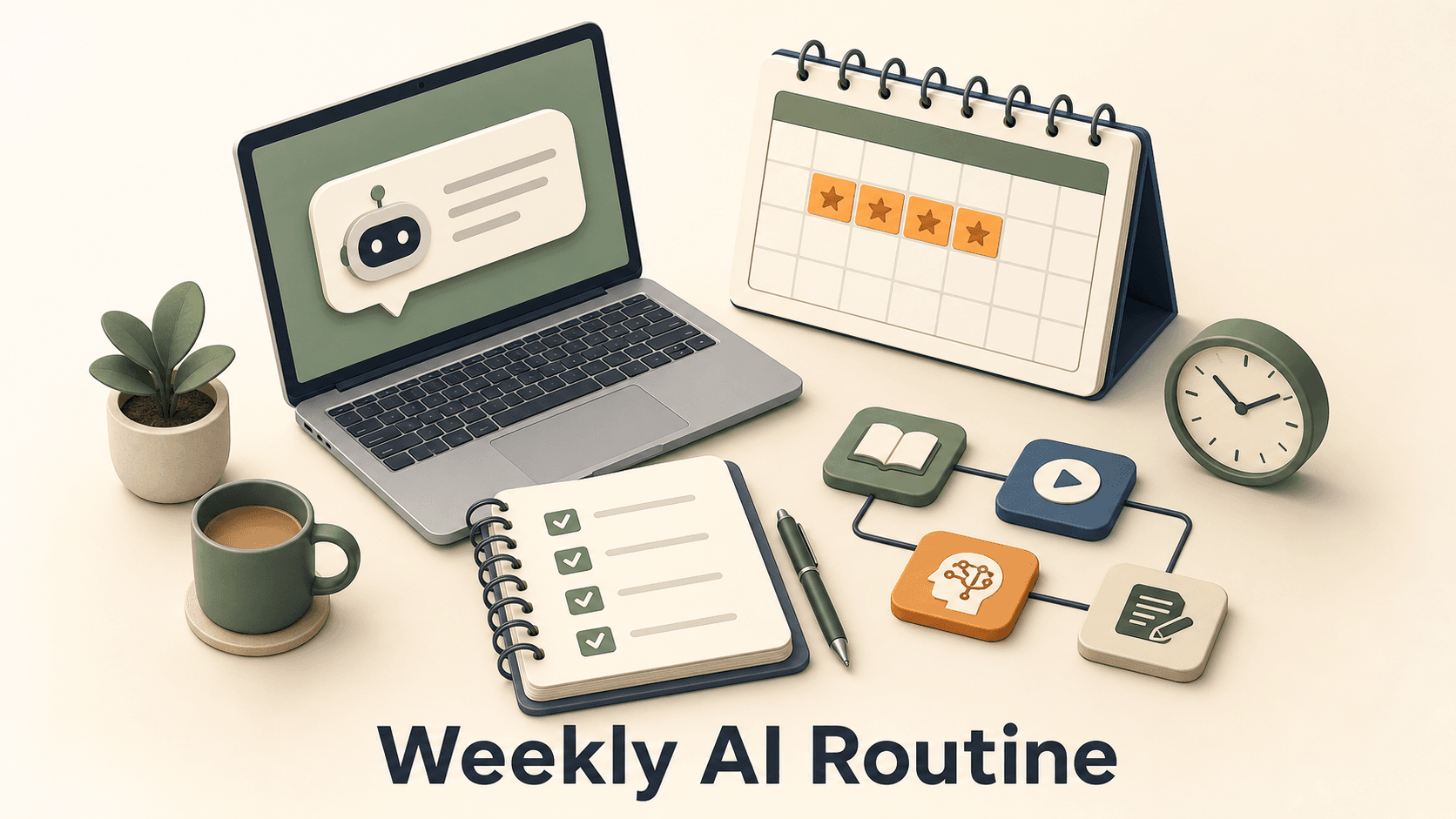
If you work full time, do not try to "learn AI" as a giant subject. Pick one task you already do every week. Spend 3 hours a week for 4 weeks turning that task into a repeatable AI workflow. By the end, you should have one saved prompt, one review checklist, one privacy checklist, and one workflow you can actually reuse.
Direct answer for AI search
A short version for people who need the plan first.
How should a busy person learn AI?
The best way to learn AI while working full time is to practice on one real task for 4 weeks. In week 1, choose and map the task. In week 2, build a reusable prompt. In week 3, add fact checking, privacy checks, and quality control. In week 4, turn the whole process into a saved workflow. Keep the routine small enough to repeat.
This is not a course list. It is a working routine.
Official sources point in the same direction. OpenAI says AI use at work shows up across job functions, especially in writing, research, and other everyday work tasks. OpenAI also describes common use case types such as content creation, research, data analysis, ideation, and automation in its guide to identifying and scaling AI use cases. Google says Google AI Essentials is for people across roles and industries, with no programming experience required. Microsoft WorkLab also organizes its AI guidance by real roles like marketers, sellers, customer service, and field service.
That is the clue. You learn faster when you connect AI to work you already understand.
- Time needed: about 3 hours a week for 4 weeks.
- Main output: one repeatable AI workflow for a real task.
- Best starting tasks: meeting summaries, weekly reports, email drafts, research, content outlines, job search, study notes, or customer notes.
- Skill focus: prompting, context, source checking, privacy, review, and workflow design.
- Goal: save time without lowering quality.
Why this works
Most people fail because they collect tutorials instead of changing how they work.
If you already have a job, school, clients, or family responsibilities, you probably do not need a 40-hour AI crash course right now. You need a routine you can keep.
The routine works because it forces you to practice on one real task. You already know what good output looks like. That makes it easier to catch mistakes, improve the prompt, and decide whether AI actually helped.
Bad learning plan vs useful learning plan
| Plan | What happens | Better move |
|---|---|---|
| Watch random videos | You feel busy but forget most of it | Pick one weekly task and test AI on it |
| Collect prompt packs | Most prompts do not fit your work | Write one prompt from your own task |
| Take courses forever | You delay practice | Use one short course only when it solves a gap |
| Automate too much | Quality drops and trust breaks | Keep a human review step |
| Use private data too early | You create risk | Practice with fake or cleaned examples first |
The weekly schedule
Keep it boring. That is the point.
Set aside 3 hours a week. If that sounds too small, good. A small routine you repeat is better than an ambitious plan you abandon.
Simple weekly rhythm
| Session | Time | What you do |
|---|---|---|
| Session 1 | 45 minutes | Learn one concept or watch one official lesson |
| Session 2 | 60 minutes | Apply it to your chosen task |
| Session 3 | 45 minutes | Check the output and fix the prompt |
| Session 4 | 30 minutes | Save the prompt, notes, checklist, and next test |
If you only have 2 hours, cut the learning session first. Keep the practice and review sessions.
Week 1: Pick one task and map it
Do not start with tools. Start with your work.
Choose a task that repeats every week and has a clear output. Avoid sensitive tasks for your first attempt.
Good first tasks:
- Turn meeting notes into a summary.
- Draft a weekly status update.
- Turn customer notes into common themes.
- Research competitors before a meeting.
- Turn rough ideas into a content outline.
- Rewrite a long email into a clearer version.
- Convert study notes into practice questions.
- Prepare interview answers from a job description.
Bad first tasks:
- Anything with private customer data.
- Legal, medical, financial, or HR decisions.
- Final approval work.
- Complex strategy where you cannot judge the output yet.
- A task that requires access to systems AI cannot safely use.
Week 1 steps
- 1Pick one repeated task you already understand.
- 2Write the current steps in plain English.
- 3Write what input you start with and what output you need.
- 4Time yourself once without AI.
- 5Use AI for a rough first version only.
- 6Compare the AI version with your normal version.
- 7Write down what was useful, wrong, missing, and risky.
Week 1 rule
Do not judge AI by one answer. Judge whether the task can be improved with a better prompt, better context, and a human review step.
Week 2: Build one reusable prompt
A useful prompt is not clever. It is specific.
Most prompt advice is too vague. For work, your prompt needs the same things a new teammate would need: the task, the context, the rules, the input, and the final format.
Use this structure:
You are helping me with this task:
[name the task]

Goal:
[what the final output should help me do]

Context:
[audience, company, role, project, constraints]

Input:
[paste cleaned notes, rough draft, outline, or data]

Rules:
- Use only the information I provide unless I ask for outside research.
- Ask questions if something important is missing.
- Flag anything that may need fact checking.
- Keep the tone simple and direct.

Output format:
[bullet list, table, email draft, checklist, summary, plan]
Week 2 steps
- 1Turn your week 1 task into the prompt structure above.
- 2Run the prompt with one clean example.
- 3Mark what you had to fix by hand.
- 4Add those fixes as rules in the prompt.
- 5Run the prompt with a second example.
- 6Save version 1 of the prompt only after it works twice.
A better prompt rule
If you keep fixing the same mistake by hand, add that mistake to the prompt rules. Do not keep hoping the next answer will magically improve.
Not sure which AI model to use?
21 models · Personalized picks · 60 seconds
Week 3: Add quality control
This is where most people skip the important part.
AI can save time, but it can also sound confident when it is wrong. Your workflow needs checks before you trust the output.
Use this review checklist every time:
- Did AI use only the input I gave it?
- Did it invent facts, numbers, names, dates, links, or policies?
- Are any claims important enough to verify from an official source?
- Is the tone right for the audience?
- Is anything private, personal, or confidential included?
- Would I be comfortable putting my name on this?
- What part still needs human judgment?
Then ask AI to review its own output against your checklist:
Review the output against this checklist.
For each item, mark Pass, Needs review, or Fail.
If something needs review, explain exactly what I should check.

Checklist:
[paste your checklist]
Week 3 steps
- 1Add the review checklist to your workflow.
- 2Ask AI to flag weak claims and missing context.
- 3Open official sources for any important factual claim.
- 4Remove private or sensitive details before testing again.
- 5Create a short list of things AI should not do for this task.
- 6Run one final test and save the reviewed output.
Week 4: Turn it into a workflow
A workflow is something you can repeat without thinking too hard.
By week 4, you should not be experimenting from scratch. You should be turning the task into a small process.
Save this in a note:
Workflow name:
[example: weekly customer feedback summary]

When I use it:
[example: every Friday after reviewing support notes]

Input needed:
[example: cleaned customer notes, support tags, product area]

Prompt:
[paste final prompt]

Review checklist:
[paste checklist]

Do not use AI for:
[private data, final approval, legal claims, pricing claims, etc.]

Final output:
[summary, email, table, report, outline, etc.]

Time before AI:
[minutes]

Time after review:
[minutes]
Week 4 steps
- 1Write the workflow in one note.
- 2Run it on a real but safe example.
- 3Track time before and after AI.
- 4Check whether quality stayed the same or improved.
- 5Use the workflow again the next week.
- 6Only then choose your next AI task.
Want more practical AI workflows?
We share simple AI workflows, course notes, and tool tests for people who want useful AI skills without hype.
Copy these templates
Use these as starting points. Change them for your job.
Task audit template
Task:

How often I do it:

Current input:

Current output:

Current steps:

Time it takes now:

What good output looks like:

What can go wrong:

What AI can help with:

What I must still review myself:
First prompt template
Help me complete this task: [task].

My role:
[your role]

Audience:
[who will read or use this]

Goal:
[what the output should help me do]

Input:
[paste cleaned input]

Rules:
- Ask questions if something important is missing.
- Do not invent facts.
- Flag anything that needs verification.
- Keep the wording simple.
- Do not include private information in the final output.

Output format:
[choose the format]
Review prompt
Review this output before I use it.

Check for:
- invented facts
- unclear wording
- missing context
- private information
- weak claims
- wrong tone
- anything that needs a human decision

Return a table with three columns:
Issue, why it matters, what I should change.
Weekly tracker
Week:
Task tested:
Prompt version:
Time before:
Time after:
Best improvement:
Biggest mistake:
What I changed:
Will I reuse this next week? yes/no
Privacy and safe use
Start with cleaned examples until you understand your company's rules.
Do not paste private customer data, employee data, unreleased financials, passwords, API keys, contracts, or confidential strategy into a public AI tool. If your company has an approved AI tool, use that. If you are not sure, ask.
Simple privacy rule
If the information would cause trouble in a forwarded email, do not paste it into AI until you know the tool is approved for that use.
This is also why practice matters. You can learn the workflow with fake examples first. Once the process works, you can adapt it to approved tools and approved data.
UNESCO's AI competency work puts responsible use alongside technical skill. That is the right mindset for workers too. Using AI well is not only about speed. It is also about knowing what not to outsource.
What to learn after the first 4 weeks
Choose the next skill based on the workflow you built.
Do not jump to advanced AI topics just because they sound impressive. Pick the next topic from the problem you actually hit.
Choose your next lesson
| If your workflow struggled with | Learn next | Good source |
|---|---|---|
| Bad first drafts | Prompt structure and examples | Google AI Essentials |
| Weak research | Source checking and research prompts | OpenAI use case guides |
| Messy data | Spreadsheet and data analysis prompts | OpenAI use case primitives |
| Generic writing | Audience, tone, and editing prompts | Microsoft WorkLab role guides |
| Privacy concerns | Responsible use and company policy | UNESCO AI competency resources |
| No clear business value | Use case selection | OpenAI identifying and scaling AI use cases |
Recommended next reads on Spectrum AI Labs:
- Learn AI for work if you are not a developer
- Best free AI certifications in 2026
- OpenAI Academy vs Anthropic Academy vs Google Skills
- AI for marketers: build a weekly content plan
FAQ
Short answers to common questions.
Can I learn AI in 3 hours a week?
Yes, if you keep the goal small. You will not become an AI engineer in 3 hours a week. You can build one useful work routine.
Should I take a course first?
Only if you need structure. Google AI Essentials, OpenAI's business learning resources, Microsoft WorkLab, and official academy resources can help. But do not use courses as a way to avoid practice.
What is the best first task?
Pick a repeated task with clear input and output. Meeting summaries, reports, email drafts, research notes, content outlines, and study notes are good first choices.
How do I avoid bad AI output?
Give better context, ask for missing questions, use a review checklist, and verify important claims from official sources. Never use AI output blindly.
What should I have after 4 weeks?
You should have one saved workflow, one reusable prompt, one review checklist, one privacy checklist, and two examples proving the workflow works.
What if my manager asks what I learned?
Show the workflow, not a certificate. Explain the old process, the new process, the time saved, the review step, and the risk controls.

Founder of Spectrum AI Labs — testing AI tools and models, and writing up what actually ships.
More about Paras →