Back to AI tools directory

Perplexity

Perplexity guide for practical AI users

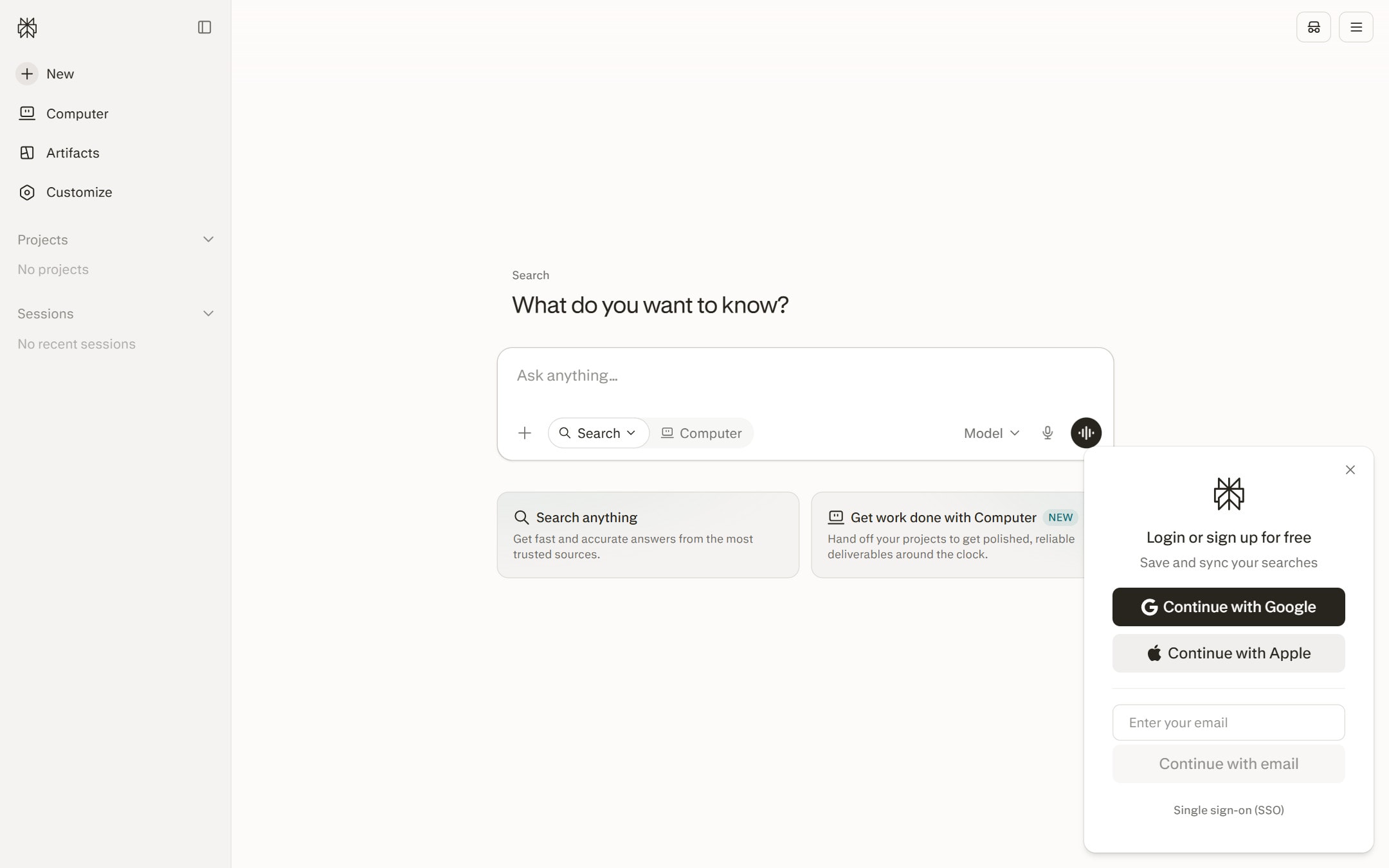
An answer engine for researching topics with visible source links and fast follow-up questions.

Quick take

Perplexity is useful when you need a fast research starting point with sources you can open. It is better for finding, comparing, and narrowing information than for writing a final answer. The mistake people make is treating the answer box as the source. Open the links, check the dates, and use the answer as a map.

Best fit

Use Perplexity for topic research, source discovery, competitor checks, academic starting points, market notes, and learning paths. It works best when your next step is to open sources and decide what is worth reading.

First setup

1

Start with a focused question. Add the country, audience, date range, or industry if that changes the answer.

2

Ask for a short answer first, then ask which sources are worth opening.

3

Open the source links before copying any claim into your own work.

4

Create a Space for research you will revisit, such as a market, product idea, course topic, or competitor set.

5

Check data settings before using private files or research that should not be used for training.

Workflows worth trying

Find source material before writing

Useful when you need reliable links before drafting a blog, memo, newsletter, or product page.

  1. Ask Perplexity for a short answer and the strongest sources on the topic.
  2. Open the sources and remove anything that is old, thin, or not primary enough.
  3. Ask a follow-up question that narrows the topic by audience, region, or date.
  4. Write from the sources you opened, not from the answer box alone.

Build a research Space

Useful when you will ask many questions around the same market, company, product, or study topic.

  1. Create a Space and write short instructions for the project.
  2. Add files only if the file belongs in that research context.
  3. Pin useful threads and remove weak ones so the Space stays readable.
  4. Share the Space only with people who should see the files and threads inside it.

Compare options before buying or choosing

Useful before choosing software, courses, vendors, tools, or technical approaches.

  1. Ask for a comparison table with source links for each claim.
  2. Ask which claims are based on official pages and which need extra checking.
  3. Open official pricing, docs, and policy pages yourself.
  4. Turn the final answer into a shortlist with reasons to pick or skip each option.

Prompt recipes

Source-first research

Research [topic] for [audience]. Give me a 5-sentence answer, then list the sources I should open first. Mark which sources are official, recent, or only useful as background.

It makes Perplexity separate the quick answer from the links you still need to check.

Date-sensitive check

Find current information about [topic]. Prioritize official pages and sources updated in the last 12 months. Tell me what may have changed recently.

It fits topics where pricing, features, rules, or product details can move fast.

Space instructions

For this Space, answer as a research assistant for [project]. Use short answers, cite sources, flag weak evidence, and ask before using uploaded files outside this topic.

It keeps repeated research inside the Space more consistent.

Buying advice

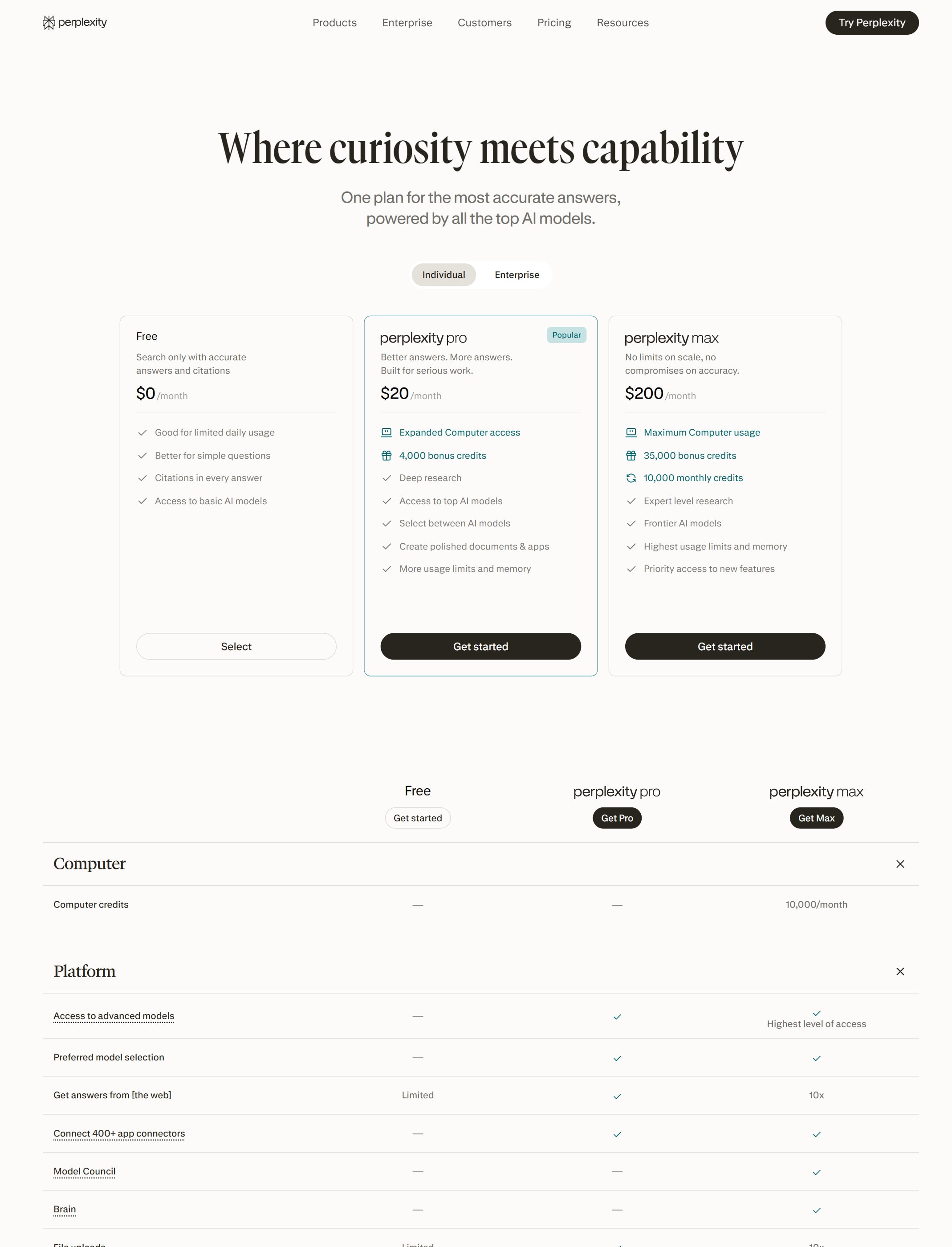
Free is enough for light research

Use Free if you only need occasional source discovery and quick questions.

Pro fits regular research and file work

Pro is a better fit when you often use Pro Search, file uploads, advanced models, or research workflows.

Max is for heavy users

Max is meant for people who need higher access to research, file and app creation, new models, and early features.

Enterprise is the safer team route

Use Enterprise when admin controls, team Spaces, file repositories, connectors, and stronger data protections matter.

Watchouts

  • Do not cite Perplexity itself as the source. Cite the source page you opened.
  • Do not assume every linked source supports the exact wording in the answer.
  • Do not upload sensitive files into a Space without checking who can access that Space.
  • Do not ignore data settings. Perplexity says Free, Pro, and Max users can opt out of AI training data collection, while Enterprise data is not used for training.

Official sources to check

Best for

  • Getting a source-backed starting point
  • Comparing several pages quickly
  • Finding terms, companies, and sources to investigate deeper

Not for

  • Replacing your own source checks
  • Creative writing or design work as the main job

How to use it well

Ask for a short answer, open the sources, then ask follow-up questions that narrow the topic by audience, country, budget, or time period.

Pricing note

Free access and paid plans are listed on Perplexity's official pricing page.

We link to Perplexity pricing instead of copying every price into this page. That is safer because AI tool pricing, usage limits, and plan names change often.

How to decide

Choose this if your main pain is finding reliable starting points before writing or deciding.

Related tools

Compare Perplexity with other tools in nearby categories.

OpenAI

ChatGPT

Free plan

A general AI assistant for writing, research, planning, data analysis, coding help, and everyday work.

Anthropic

Claude

Free plan

A conversational AI assistant often used for long documents, careful writing, coding help, and structured reasoning.

Google

Gemini

Free plan

Google's AI assistant for search-style help, writing, productivity, image work, and Workspace-related tasks.