Back to AI tools directory

OpenAI

ChatGPT guide for practical AI users

A general AI assistant for writing, research, planning, data analysis, coding help, and everyday work.

Quick take

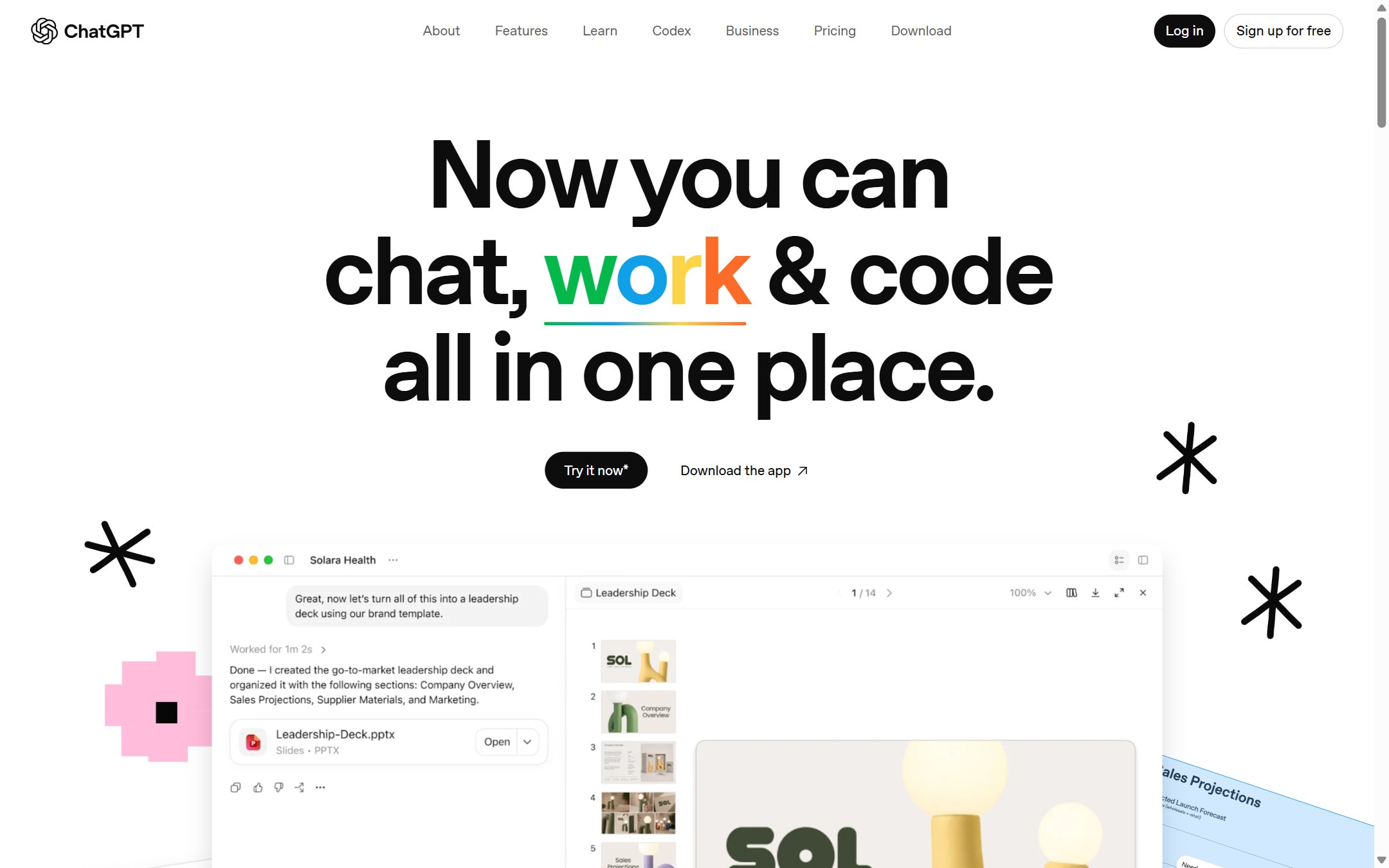
ChatGPT is the safest first AI tool to try if you do not yet know which specialist tool you need. It can draft, research, explain, analyze files, help with code, make images, and keep work organized inside projects. The weak point is the same as the strength: it does a lot, so people often use it lazily and accept vague answers.

Best fit

Use ChatGPT when the job starts messy. If you have notes, screenshots, a spreadsheet, a half-written email, a customer complaint, or a vague plan, ChatGPT is useful because it can help turn that material into a clearer next step.

First setup

1

Open ChatGPT and create a project for one real piece of work, such as a launch plan, weekly newsletter, sales page, or research brief.

2

Add two or three reference files only if they matter. Do not upload private customer data unless your plan and data settings fit that use.

3

Write short project instructions. Tell ChatGPT the goal, audience, tone, and what it should avoid.

4

Start with one task that has a clear output. Ask for a draft, a checklist, a table, or a set of questions.

5

Review the answer, correct it, then ask for a tighter second version. The second pass is usually where the value appears.

Workflows worth trying

Turn rough notes into a usable brief

Good for founders, marketers, students, and operators who have scattered notes but need something clear enough to act on.

  1. Paste the notes and say what decision the brief should support.
  2. Ask ChatGPT to separate facts, assumptions, risks, and next actions.
  3. Ask it to cut anything that is vague or not supported by the notes.
  4. Use the final brief as a starting point, not as a finished source of truth.

Check a plan before you spend money

Useful before hiring, buying a tool, launching a campaign, or building a feature.

  1. Describe the plan in plain English.
  2. Ask what could fail, what is missing, and what should be tested first.
  3. Ask for the smallest version you can run this week.
  4. Turn the output into a checklist with owners and dates.

Analyze a file without building a spreadsheet model

Useful for CSVs, exported analytics, survey results, and rough financial data.

  1. Upload the file and explain what each column means.
  2. Ask for patterns, anomalies, and questions the data cannot answer.
  3. Ask it to show calculations or assumptions before you trust the conclusion.
  4. Export the cleaned table or summary and check important numbers manually.

Prompt recipes

First draft without fluff

I need a first draft of [asset]. Audience: [who]. Goal: [what should happen]. Use simple English. Avoid hype. Ask me up to 3 questions if needed before writing.

It gives ChatGPT the audience, goal, and style before it starts writing. That reduces generic output.

Decision check

My plan: [paste plan]. Tell me what is weak, what is missing, what I should test first, and what decision I can safely delay.

It forces a critical review instead of a polite rewrite.

Source-aware research

Research [topic]. Give me a short answer first, then list the sources I should open. Separate confirmed facts from assumptions.

It keeps research from turning into a confident summary with no clear source trail.

Buying advice

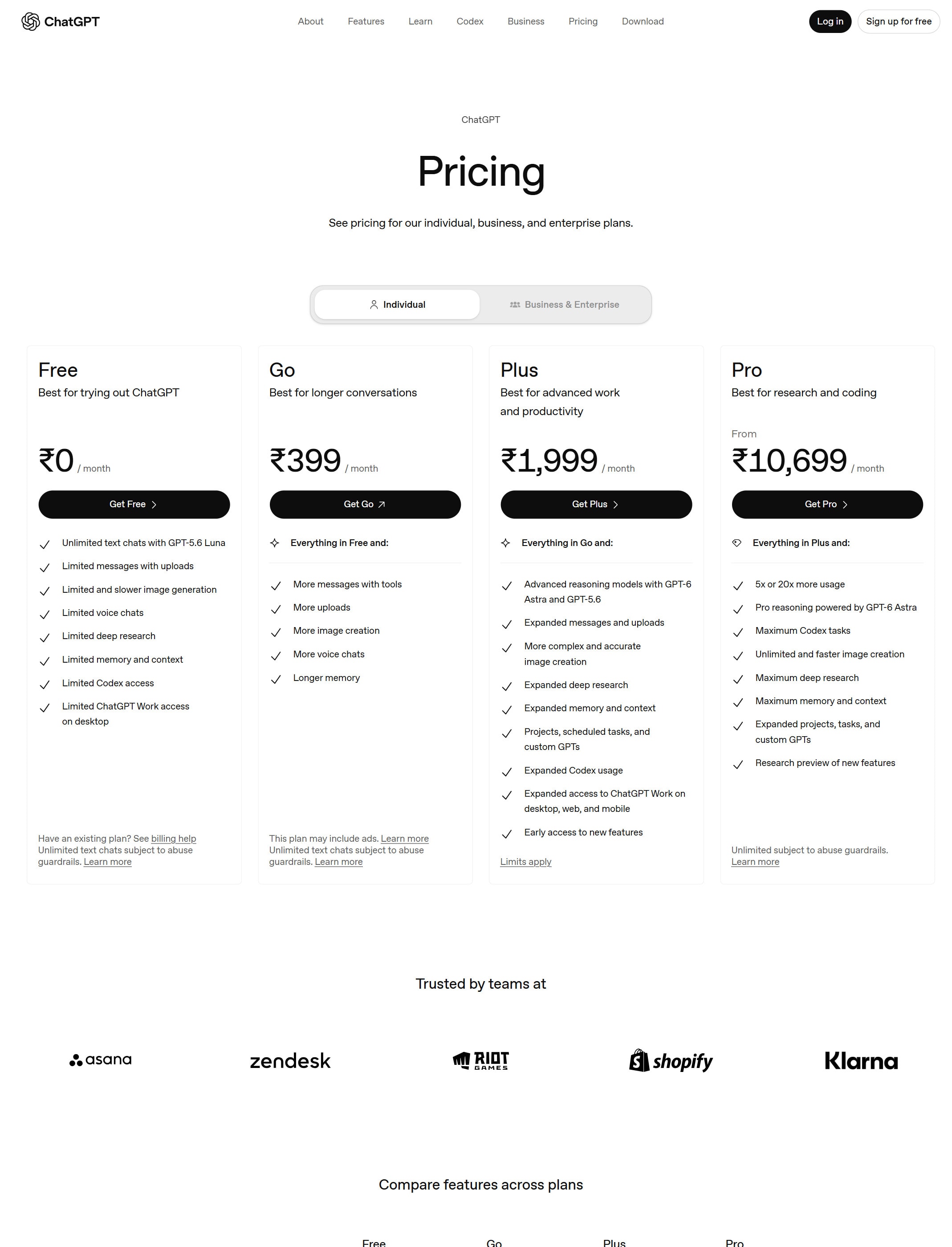
Start on Free if you are still testing habits

The free plan is enough to see whether ChatGPT fits your day-to-day work. Upgrade only when limits block work you already repeat.

Plus fits most solo power users

Plus makes sense when you use ChatGPT often for files, images, voice, research, projects, or longer work sessions.

Team is the safer business starting point

For a small team, Team is more practical than sharing personal accounts. OpenAI says Team data is excluded from training by default.

Pro is for heavy usage, not curiosity

Pro costs much more than Plus. It only makes sense if high limits, advanced research, coding agents, or video generation are part of real work.

Watchouts

  • Do not treat a polished answer as a verified answer. Check important facts, calculations, and legal or medical claims.
  • Do not paste private customer data into a personal account without checking your data controls and company policy.
  • Do not ask for a full strategy from a vague prompt. Give it source material, constraints, and the decision you need to make.
  • Do not keep every task in one chat. Use projects or separate chats so the context stays clean.

Best for

  • Turning rough ideas into clear drafts
  • Explaining a topic before you read deeper
  • Creating first versions of plans, emails, briefs, and checklists

Not for

  • Work where every fact must be accepted without checking
  • Private business data unless your plan and settings fit that use

How to use it well

Give it the role, context, audience, constraints, and the exact output format you want. Then ask it to improve the answer against your real goal instead of accepting the first draft.

Pricing note

Free plan available. Paid plans are listed on OpenAI's official ChatGPT pricing page.

We link to OpenAI ChatGPT pricing instead of copying every price into this page. That is safer because AI tool pricing, usage limits, and plan names change often.

How to decide

Choose this if you need one flexible assistant before you specialize into coding, design, automation, or research tools.

Use the AI cost calculator when you need to compare subscription plans with API usage.

Related tools

Compare ChatGPT with other tools in nearby categories.

Anthropic

Claude

Free plan

A conversational AI assistant often used for long documents, careful writing, coding help, and structured reasoning.

Google

Gemini

Free plan

Google's AI assistant for search-style help, writing, productivity, image work, and Workspace-related tasks.