Back to AI tools directory

Suno

Suno guide for practical AI users

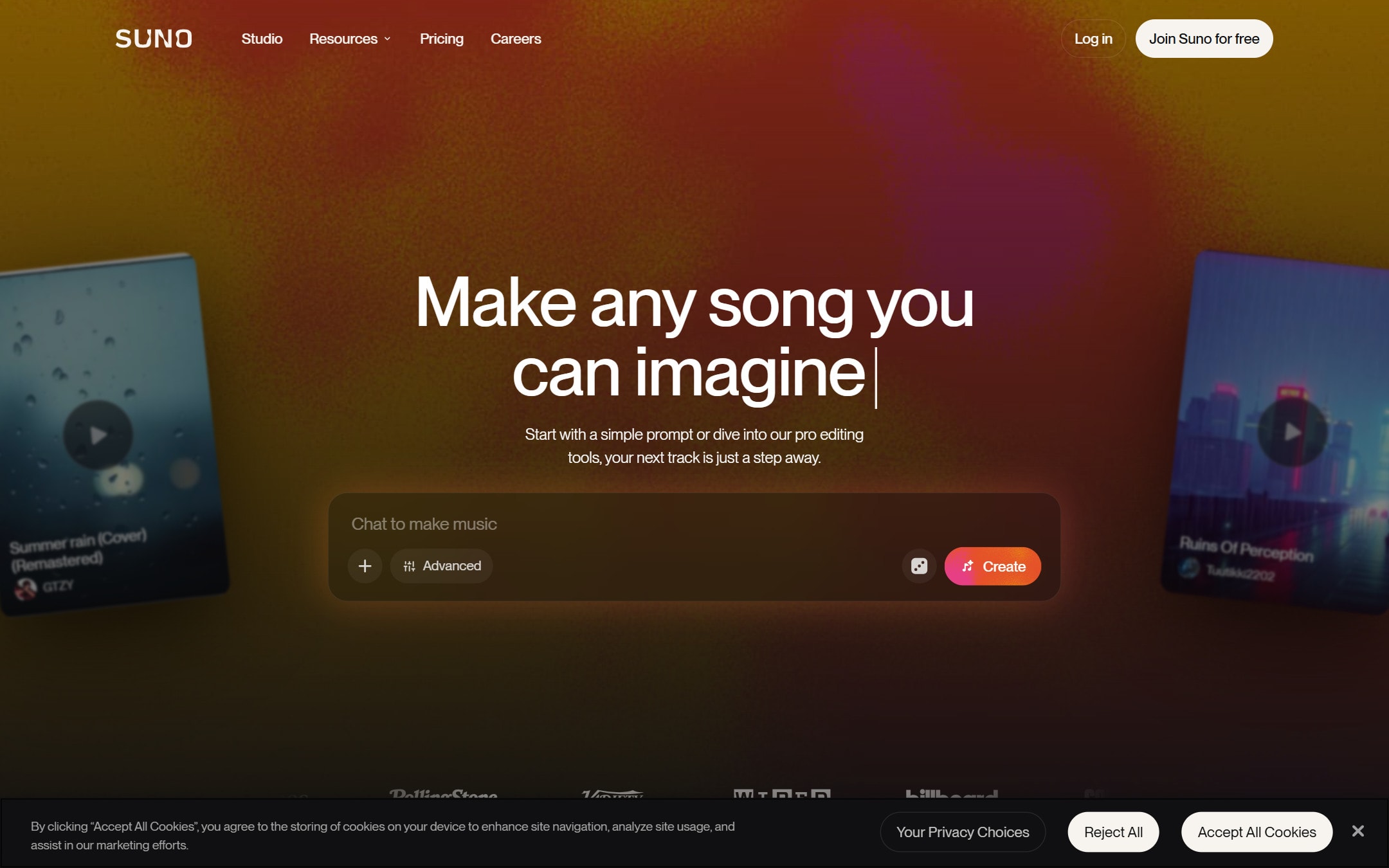
An AI music generator that turns a text prompt into a full song with vocals, lyrics, and instruments, plus editing and stem export for creators.

Quick take

Suno turns a written prompt into a complete song, including vocals, in about a minute. It fits creators who need original background music or quick demos without a studio or a stock-music license. The weak point is control and consistency, since you often generate several versions to get one that fits, and the copyright status of AI music is still unsettled.

Best fit

Suno is the right pick when you need original audio fast and mostly for your own content, such as videos, ads, or podcasts. It is less suited to projects where a track must be legally airtight or match an exact brief a client already signed off on.

First setup

1

Create an account on suno.com and confirm which plan you are on, since commercial rights depend on the tier.

2

Start with a text prompt that names the genre, mood, tempo, and vocal style, or paste your own lyrics.

3

Generate two or three versions and compare them before you commit to one.

4

Use the editor to rewrite weak sections, extend the track, or adjust the arrangement.

5

Export the finished song, and export stems if you plan to mix it further in a DAW.

Workflows worth trying

Background music for a video

Helps video creators and marketers who need original audio without licensing a stock track.

  1. Decide the mood and length the video needs, for example calm and upbeat for a product demo.
  2. Prompt Suno with that mood, a genre, and a note to keep vocals low or to stay instrumental.
  3. Generate a few options and pick the one that matches the pace of your edit.
  4. Export the track, or export stems so you can duck the music under a voiceover.

Fast song demo before hiring a musician

Helps founders and creators sketch a song idea to share before paying for studio time.

  1. Write or paste the lyrics and describe the singer and style you imagine.
  2. Generate several takes and keep the ones closest to the feel you want.
  3. Use the editor to fix lines that sound off or to reorder sections.
  4. Share the demo as a reference, then decide whether to record it properly.

Prompt recipes

Instrumental track for a video edit

Instrumental [genre] track, [mood] feel at about [tempo] BPM, built around [main instrument], no vocals, steady rhythm that loops cleanly under a [length] video about [topic].

Naming genre, mood, tempo, instrument, and length gives the model enough structure to return something you can actually cut to, instead of a random guess.

Song from your own lyrics

[Genre] song with a [male or female] lead vocal, [mood] feel, clear verses and a strong chorus. Use these lyrics exactly: [paste lyrics]. Keep the chorus catchy and the production clean.

Pinning the vocal type, the structure, and the exact lyrics keeps the output close to your intent and cuts the number of regenerations you need.

Buying advice

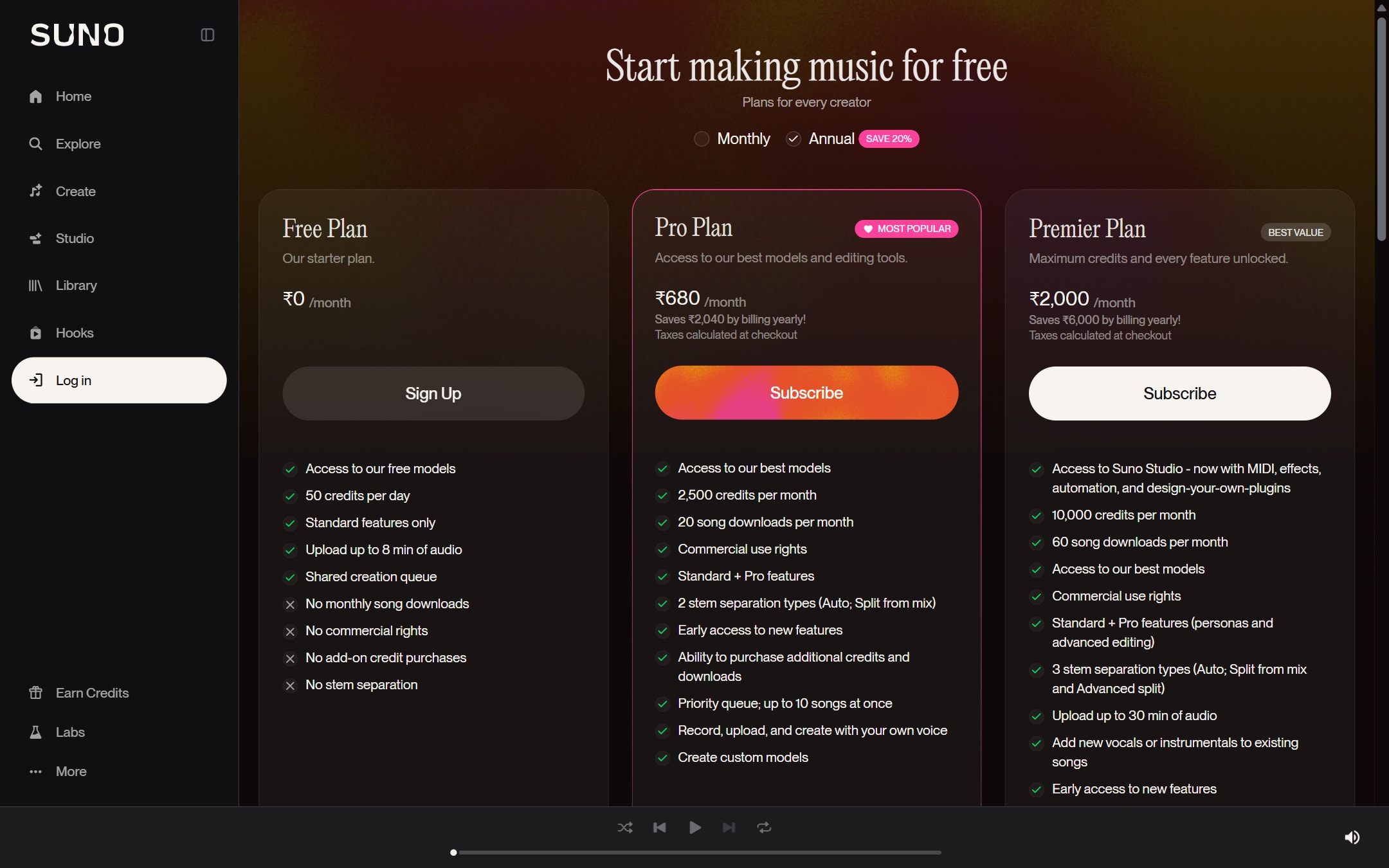
Free plan

Use the free tier to test whether Suno fits your workflow. Free-tier songs are for personal, non-commercial use and may require crediting Suno, so do not publish them in paid or client work.

Pro plan

Step up to Pro when you need commercial rights, stem export, and the song editor for real content work. This is the common tier for solo creators and small teams.

Premier plan

Choose Premier if you generate music at volume or want Suno Studio, its web-based audio workstation, for deeper multi-track editing. Check the current plan details on the official pricing page before you commit.

Watchouts

  • The copyright status of AI-generated music is still unsettled. US guidance has generally not granted copyright to purely AI outputs, so you may not be able to register a Suno song, even on a paid plan.
  • Suno has faced lawsuits from major record labels over training data. The legal picture can change, so do not build a business that depends on one exact track staying clear forever.
  • Free-tier tracks are personal and non-commercial only, and commercial rights depend on being on a paid plan when the song is created. Confirm your tier before you publish.
  • Outputs can sound generic or repeat common patterns, so plan to generate several versions and edit rather than shipping the first result.

Best for

  • Background music and theme tracks for videos, ads, and podcasts
  • Turning a lyric or a mood into a full demo in minutes
  • Creators who need original audio without licensing a stock track

Not for

  • Work that must clear a music copyright with no legal doubt
  • Replacing a human composer on a high-stakes brand project

How to use it well

Describe the genre, mood, tempo, instruments, and vocal style you want, then generate a few versions and keep the closest one. Use the editor to rewrite weak sections, extend the track, or pull the stems into a normal DAW for final mixing.

Pricing note

Free plan available. Paid plans are listed on Suno's official pricing page.

We link to Suno pricing instead of copying every price into this page. That is safer because AI tool pricing, usage limits, and plan names change often.

How to decide

Choose this if you need original music or audio for content and do not want to license stock tracks.

Related tools

Compare Suno with other tools in nearby categories.

Midjourney

Midjourney

Paid only

An AI image generation tool known for strong visual style, concept art, and creative image exploration.