Back to AI tools directory

ElevenLabs

ElevenLabs guide for practical AI users

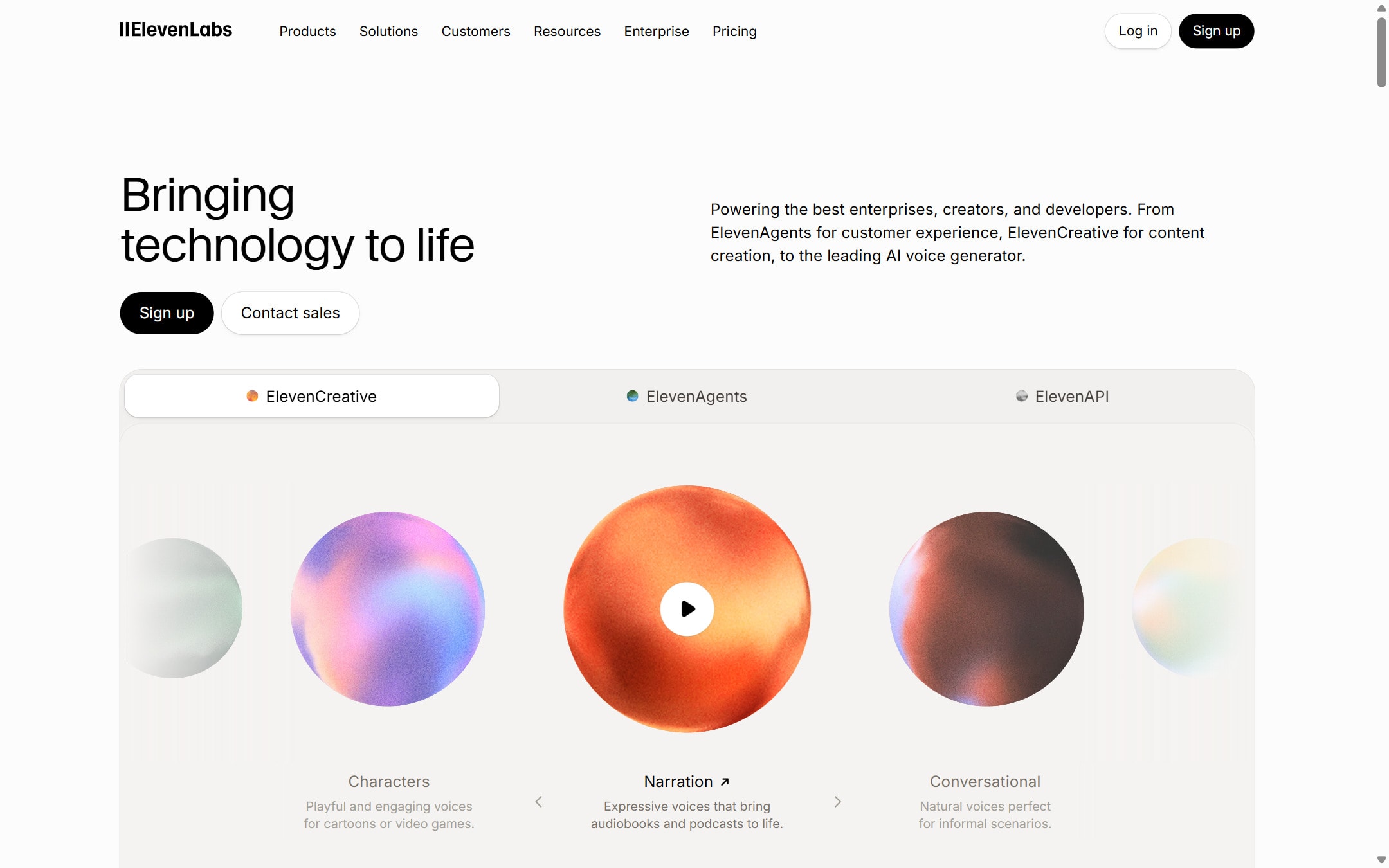
An AI audio platform for voice generation, dubbing, voice changing, and spoken content workflows.

Quick take

ElevenLabs is useful when the output is spoken audio: narration, product videos, course lessons, podcast drafts, localized clips, and voice experiments. It should not replace consent checks, script editing, pronunciation review, or disclosure decisions. Generate short samples first, then scale the script only after the voice works.

Best fit

Use ElevenLabs when you have a written script and need fast voice output, dubbing, or a controlled audio draft before recording or publishing.

First setup

1

Check pricing and credits before producing long scripts because generation uses credits.

2

Write the full script in plain language before opening the voice tool.

3

Choose a voice that matches the audience, region, and tone of the content.

4

Generate a 20 to 40 second sample first and check pronunciation, pacing, emotion, and background noise.

5

Fix the script before regenerating. Do not keep changing the voice to solve weak writing.

6

For cloning or dubbing, confirm consent, rights, language needs, and disclosure rules before publishing.

Workflows worth trying

Create a course or explainer voiceover

Useful when a blog, lesson, or product walkthrough needs clear narration.

  1. Split the script into short sections so mistakes are easier to fix.
  2. Generate one section and listen on headphones and phone speakers.
  3. Mark words with bad pronunciation and rewrite the sentence where possible.
  4. Export only after checking pacing, clarity, and whether the audio matches the visuals.

Dub a useful video for another market

Useful when a strong video can serve another language audience without recording the whole thing again.

  1. Choose one finished video with clear audio and limited background noise.
  2. Confirm source and target languages before starting the dub.
  3. Review speaker separation, transcript accuracy, timing, and key terms.
  4. Regenerate only the weak segments instead of the full video when possible.
  5. Have a native or fluent speaker review the final version before publishing.

Test a brand voice safely

Useful when a company wants a repeatable voice for explainers, ads, or learning material.

  1. Create a small script pack with a friendly line, a serious line, and a technical line.
  2. Test 3 to 5 voices with the same script pack.
  3. Choose the voice that stays clear across all sections, not the one that sounds best on one line.
  4. Document approved voice, speed, style, pronunciation notes, and content limits.

Prompt recipes

Voiceover script cleanup

Rewrite this script for spoken narration. Keep simple words, short sentences, and a natural pace. Do not add claims. Mark any word that may need pronunciation review.

Audio quality depends on the script as much as the voice model.

Pronunciation review

Review this script for names, acronyms, product terms, numbers, and phrases that may sound wrong in text to speech. Suggest simpler wording where possible.

It catches common text to speech problems before credits are spent.

Dubbing QA checklist

Review this dubbed script for meaning, timing, tone, speaker names, product terms, and lines that need human review before publishing.

Dubbing needs both a language review and a timing review before export.

Buying advice

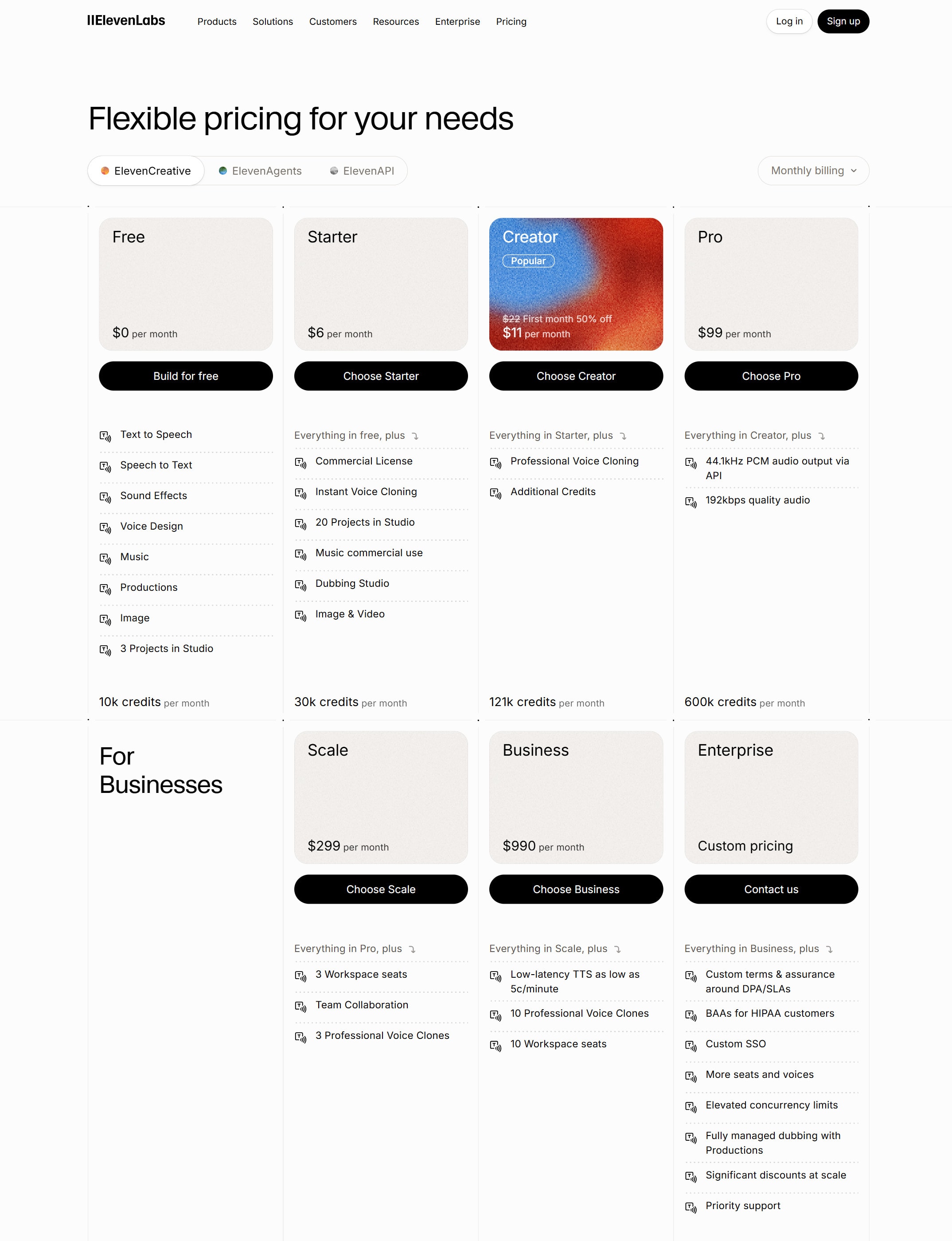
Free is for short tests

Use Free to test voice quality, workflow, and credit behavior before planning a full content project.

Starter or Creator fits regular creator work

Check these plans when you need more credits, commercial use, or voice cloning features listed on the pricing page.

Higher plans fit teams and heavier output

Use higher plans when several people need seats, more credits, higher usage, or production volume.

Credits matter more than plan names

Estimate minutes, characters, languages, regenerations, and exports before choosing a plan.

Watchouts

  • Do not clone a voice unless you have clear permission and understand the rights.
  • Do not publish generated audio without listening to the full file.
  • Do not spend credits on a full script before a short sample sounds right.
  • Do not trust dubbing blindly. Review transcript, translation, timing, speaker match, and local wording.
  • Do not use synthetic voice in sensitive contexts without deciding how it should be disclosed.

Official sources to check

Best for

  • Voiceovers for educational and product content
  • Audio drafts before recording
  • Dubbing and voice experiments

Not for

  • Sensitive voice use without consent and rights checks
  • Brands that need a fully human recorded voice for every asset

How to use it well

Write the script first, then generate a short sample. Check pronunciation, tone, rights, and disclosure needs before producing a full asset.

Pricing note

Free and paid plans are listed on ElevenLabs' official pricing page.

We link to ElevenLabs pricing instead of copying every price into this page. That is safer because AI tool pricing, usage limits, and plan names change often.

How to decide

Choose this if spoken content is the output and you need voice generation or dubbing.

Check character or usage limits before generating long audio at scale.

Related tools

Compare ElevenLabs with other tools in nearby categories.

Midjourney

Midjourney

Paid only

An AI image generation tool known for strong visual style, concept art, and creative image exploration.