Back to AI tools directory

Google

NotebookLM guide for practical AI users

Google's research assistant that answers questions and builds summaries, audio overviews, and study material grounded in the sources you upload.

Quick take

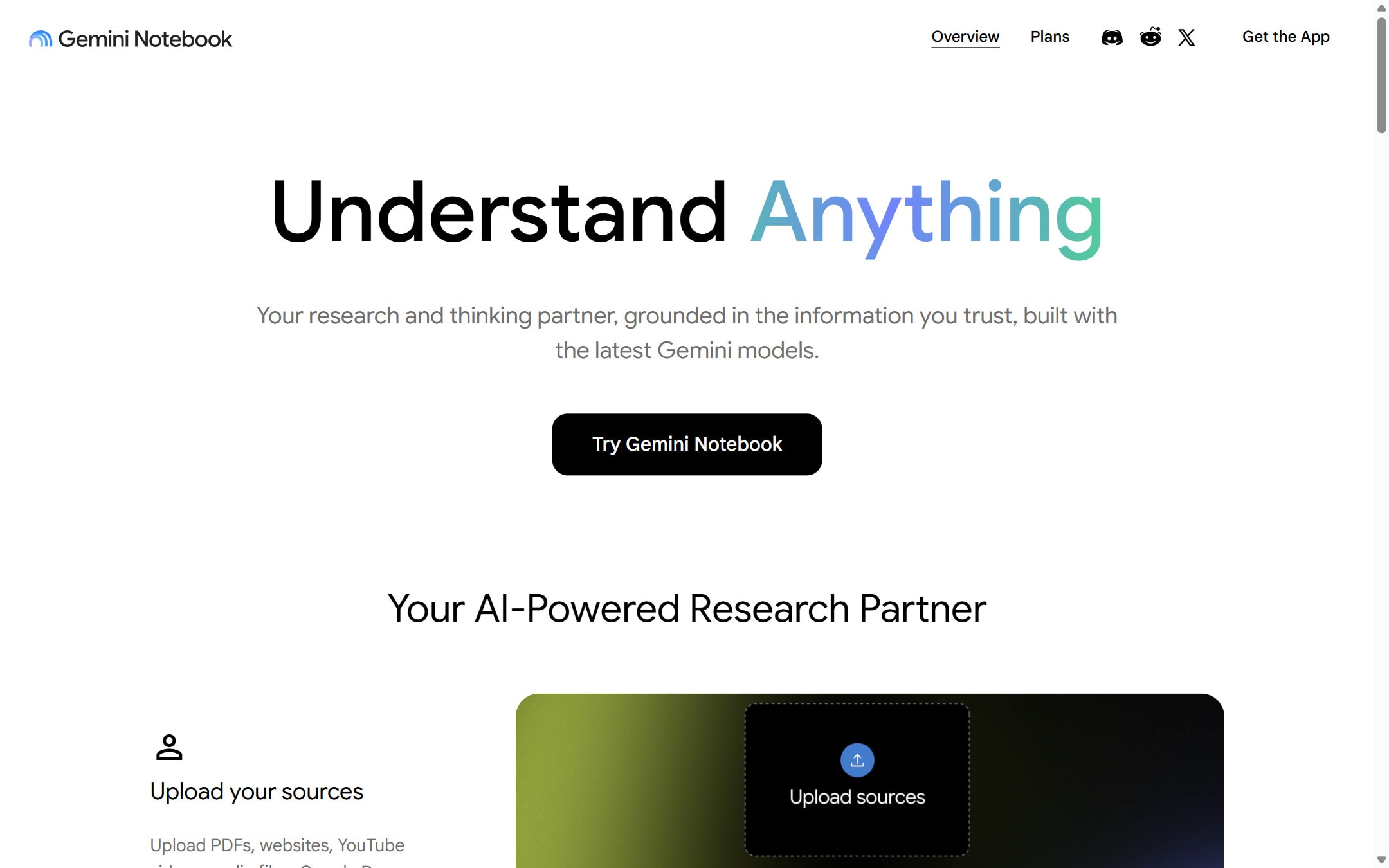
NotebookLM is a research tool from Google that only answers from the sources you give it, and it cites where each answer came from. That grounding makes it strong for studying, briefing, and working through a stack of documents. Its audio and video overviews turn your sources into a spoken or watchable summary. The limit is the point: it will not go beyond what you upload, so it is not a general assistant.

Best fit

Use NotebookLM when you have a defined set of sources, such as research papers, a contract set, meeting notes, or product docs, and you want grounded answers instead of open-ended generation. It fits students, researchers, operators, and founders who need to understand material fast.

First setup

1

Sign in with a Google account and create a notebook for one topic or project.

2

Add sources: upload PDFs and documents, paste text, or link Google Docs, Slides, web pages, and videos.

3

Ask a question in the chat and check that each answer shows the source it came from.

4

Open the Studio panel to generate an audio overview, video overview, or study material from the sources.

5

Keep each notebook focused. One project per notebook gives cleaner, better-grounded answers.

Workflows worth trying

Brief yourself on a stack of documents

Useful when you face a pile of reports, papers, or contracts and need to understand them before a decision or meeting.

  1. Create a notebook and upload every source that matters for the decision.
  2. Ask for a plain summary, then ask targeted questions and check the citations.
  3. Ask what the sources disagree on and what is missing.
  4. Generate an audio overview to review the material again later.

Study a subject from your own materials

Useful for students and anyone learning from a fixed set of readings or notes.

  1. Upload your readings, slides, and notes into one notebook.
  2. Ask NotebookLM to explain the hard parts in plain language with citations.
  3. Ask it to make a study guide, questions, or a timeline from the sources.
  4. Use the audio overview to review while away from the screen.

Prompt recipes

Grounded summary with citations

Summarize these sources for someone new to the topic. Use plain language, and after each point cite the source it came from. If the sources disagree, say so.

It uses NotebookLM's grounding and forces a citation trail so you can verify each point.

Find the gaps

Based only on these sources, what questions are left unanswered, and what would I need to add to answer them? Do not guess beyond the sources.

It turns the tool's source limit into a feature by showing you what is missing instead of inventing an answer.

Buying advice

Start free

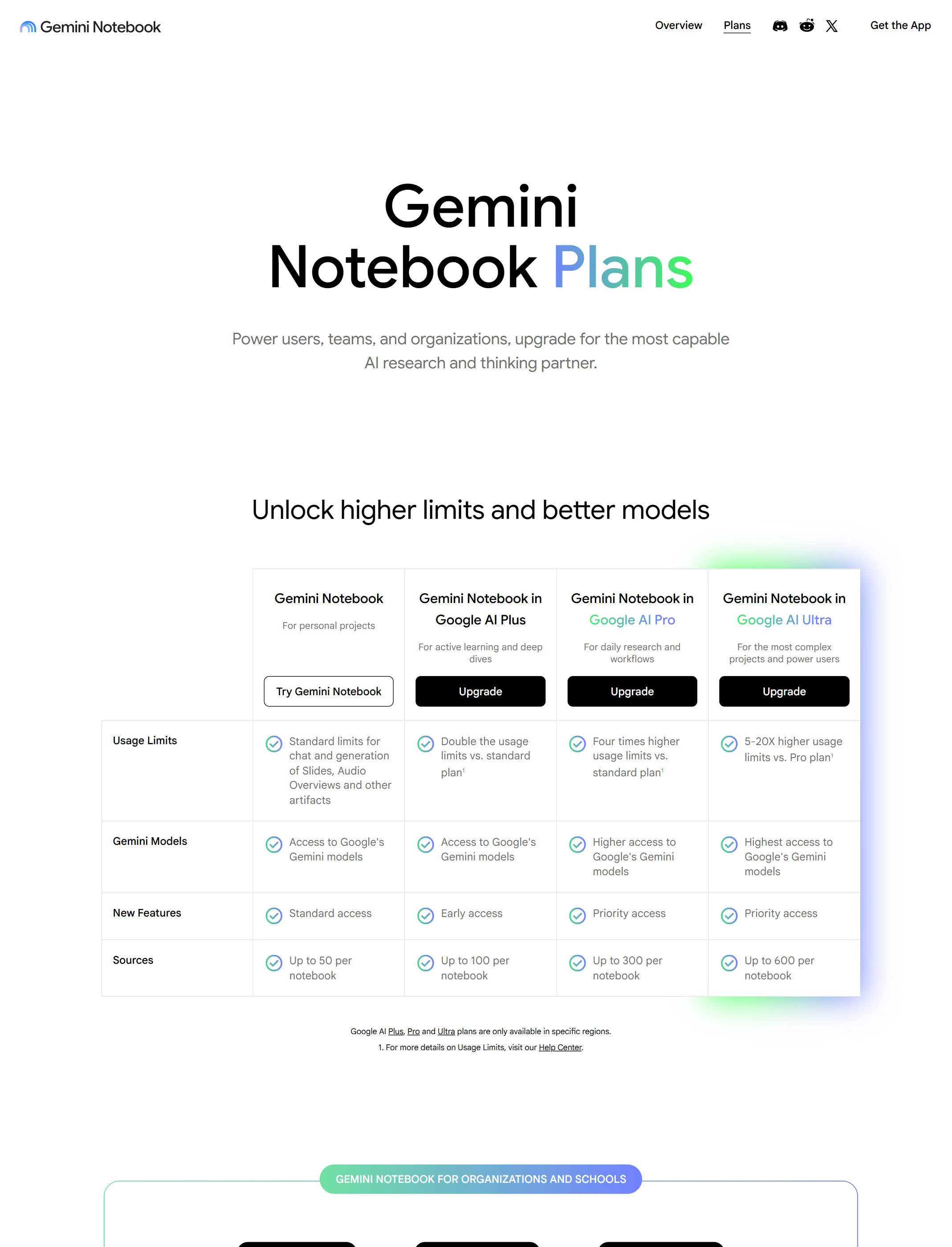
The free plan covers uploading sources, chat with citations, and audio and video overviews. It is enough for most students and light research use.

A paid tier for higher limits and heavier use

If you hit caps on notebooks, sources, chats, or overviews, a paid tier such as Plus or Pro raises them. Some tiers come bundled with a Google subscription, so check what you already pay for.

The top tier only for heavy, ongoing work

The highest tier makes sense when you run many large notebooks every day. If you only use NotebookLM now and then, start lower and check the plans page later.

Watchouts

  • NotebookLM only answers from your sources. If a fact is not in them, it should not appear, so upload complete material.
  • Citations point to your sources, not to proof the sources are correct. Judge the quality of what you upload.
  • Do not upload confidential or regulated material unless your account type and policy allow it.
  • Plan limits and bundled availability change. Check the plans page before you rely on a specific cap.

Best for

  • Turning your own documents, PDFs, and notes into answers with citations
  • Making an audio or video overview to review material without reading all of it
  • Studying or briefing yourself on a large set of sources you trust

Not for

  • Open-ended questions that need knowledge beyond the sources you upload
  • Confidential material you are not allowed to upload to a cloud service

How to use it well

Upload the sources you trust, then ask questions and ask NotebookLM to cite which source each answer comes from. Use the audio or video overview when you want to review the material away from the screen.

Pricing note

Free plan available with a Google account. Paid tiers are listed on NotebookLM's official plans page.

We link to NotebookLM plans instead of copying every price into this page. That is safer because AI tool pricing, usage limits, and plan names change often.

How to decide

Choose this if your main job is making sense of documents you already have, and you want answers tied to your own sources.

Related tools

Compare NotebookLM with other tools in nearby categories.

OpenAI

ChatGPT

Free plan

A general AI assistant for writing, research, planning, data analysis, coding help, and everyday work.

Anthropic

Claude

Free plan

A conversational AI assistant often used for long documents, careful writing, coding help, and structured reasoning.

Google

Gemini

Free plan

Google's AI assistant for search-style help, writing, productivity, image work, and Workspace-related tasks.