Back to AI tools directory

GitHub

GitHub Copilot guide for practical AI users

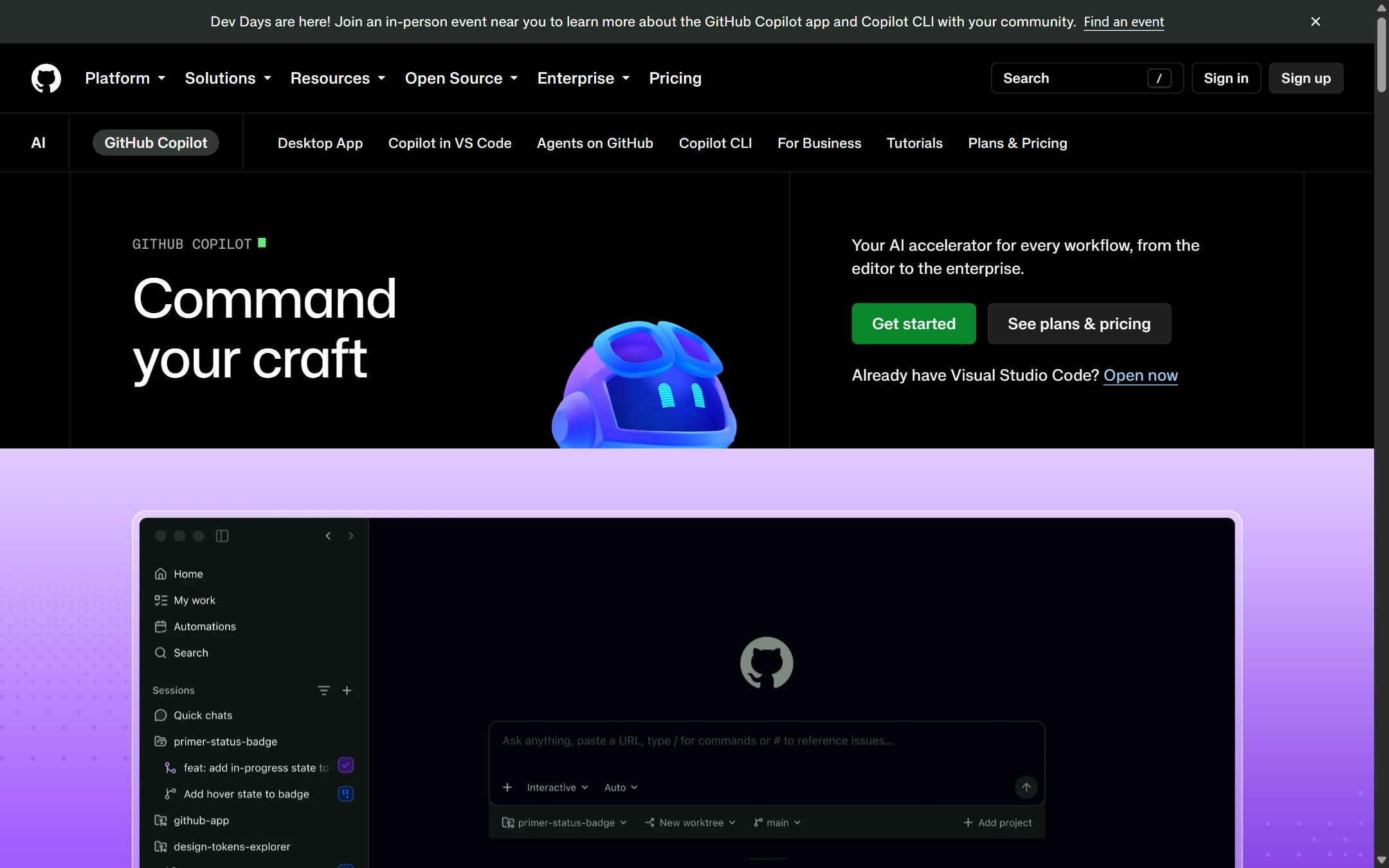
AI coding help from GitHub for suggestions, chat, code review support, and editor workflows.

Quick take

GitHub Copilot is the easiest fit when your code already lives on GitHub and your team wants AI inside the normal developer workflow. It helps with completions, chat, pull request review, and cloud agent tasks. It is strongest when paired with the review habits you already use. It is weaker when a team expects it to replace architecture decisions, security review, or ownership.

Best fit

Use GitHub Copilot for code suggestions, test writing, code explanation, pull request help, repository questions, and small implementation tasks. It is especially useful for teams that already use GitHub issues, pull requests, Actions, and code review.

First setup

1

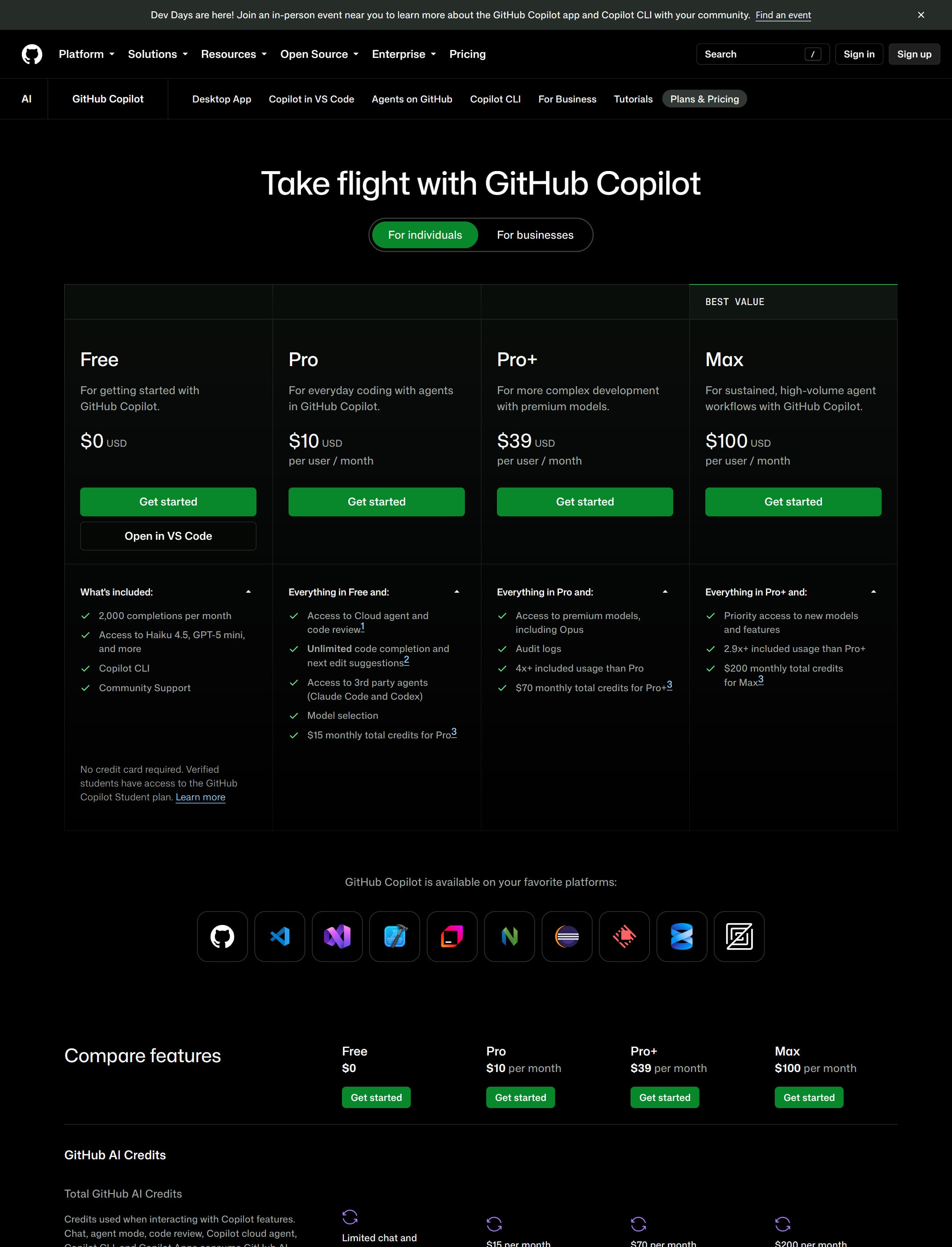
Start with the official plans page and confirm which Copilot plan is actually available for your account or organization.

2

Install Copilot in the editor your team already uses, such as VS Code, JetBrains, Visual Studio, Xcode, or another supported environment.

3

Add repository instructions in `.github/copilot-instructions.md` so Copilot understands project rules.

4

Use Copilot for one narrow task first, such as a test, explanation, refactor, or small bug fix.

5

Keep pull request review, tests, and security checks in place before merging Copilot-assisted code.

Workflows worth trying

Use Copilot for a small implementation

Useful when the task is clear and the codebase already has patterns to follow.

  1. Open the relevant files and describe the exact behavior you want.
  2. Ask Copilot for the smallest change, not a broad rewrite.
  3. Review the generated code against the existing project style.
  4. Run tests and inspect the diff before opening a pull request.

Ask Copilot to review a pull request

Useful when you want a quick extra pass before or alongside human review.

  1. Open the pull request and request a Copilot review.
  2. Read every comment as a suggestion, not a verdict.
  3. Apply only the suggestions you understand.
  4. Ask for a human review before merging important code.

Delegate routine work to Copilot cloud agent

Useful for small bugs, test coverage, docs updates, and incremental features in GitHub-hosted repos.

  1. Write a clear GitHub issue or prompt with expected behavior and constraints.
  2. Let Copilot research, plan, and make changes on its own branch.
  3. Read the logs, commits, and pull request before approving anything.
  4. Run your normal CI and review process before merging.

Prompt recipes

Repository-aware task

Use the existing project patterns. Make the smallest change for [task]. Do not change unrelated files. Add or update tests if the repo has a matching test pattern.

It gives Copilot a narrow task and tells it to follow the repo instead of inventing a new structure.

Pull request check

Review this change for correctness, missed edge cases, security risk, and tests. Ignore style unless it affects readability or maintainability.

It asks for useful review feedback instead of generic comments.

Instruction file starter

Draft `.github/copilot-instructions.md` for this repo. Include stack, test commands, coding style, files to treat carefully, and review priorities.

It creates reusable context so each Copilot task starts closer to your project rules.

Buying advice

Free is for trying Copilot

GitHub says Copilot Free has limited completions, limited chat and agent usage, and no payment requirement.

Paid individual plans fit regular coding

Use paid individual plans when you need more completions, model access, chat, and AI credits than Free provides. Check current signup availability before planning around a specific plan.

Business and Enterprise fit teams

Use organization plans when policy controls, feature management, security settings, and team billing matter.

Budget for agent and review usage

Copilot code review and cloud agent can use AI credits and GitHub Actions minutes. Check the official usage docs before enabling automatic workflows widely.

Watchouts

  • Do not merge Copilot changes without a human review on important code.
  • Do not assume Copilot code review finds every issue. GitHub says you should validate its feedback carefully.
  • Do not enable automatic review or cloud agent workflows without checking AI credits and Actions minute impact.
  • Do not rely on content exclusions for every Copilot surface. GitHub documents limits for some modes and agents.

Official sources to check

Best for

  • Teams already using GitHub
  • Developers who want AI inside familiar tools
  • Code suggestions, explanations, and pull request support

Not for

  • Non-technical users who need a no-code product builder
  • Teams without a review process

How to use it well

Use it for small changes, tests, explanations, and repetitive code. Keep human review in place for architecture, security, and business logic.

Pricing note

Free and paid plans are listed on GitHub's official Copilot plans page.

We link to GitHub Copilot plans instead of copying every price into this page. That is safer because AI tool pricing, usage limits, and plan names change often.

How to decide

Choose this if GitHub is already your team's source of truth and you want AI in that workflow.

Compare Copilot with other coding subscriptions before rolling it out to a team.

Related tools

Compare GitHub Copilot with other tools in nearby categories.

Anthropic

Claude

Free plan

A conversational AI assistant often used for long documents, careful writing, coding help, and structured reasoning.

Anysphere

Cursor

Free plan

An AI coding editor for editing projects, asking questions about a codebase, and making changes with agent-style workflows.

Replit

Replit

Free plan

A browser-based coding workspace with AI support for building, testing, and deploying small projects.