Back to AI tools directory

xAI

Grok guide for practical AI users

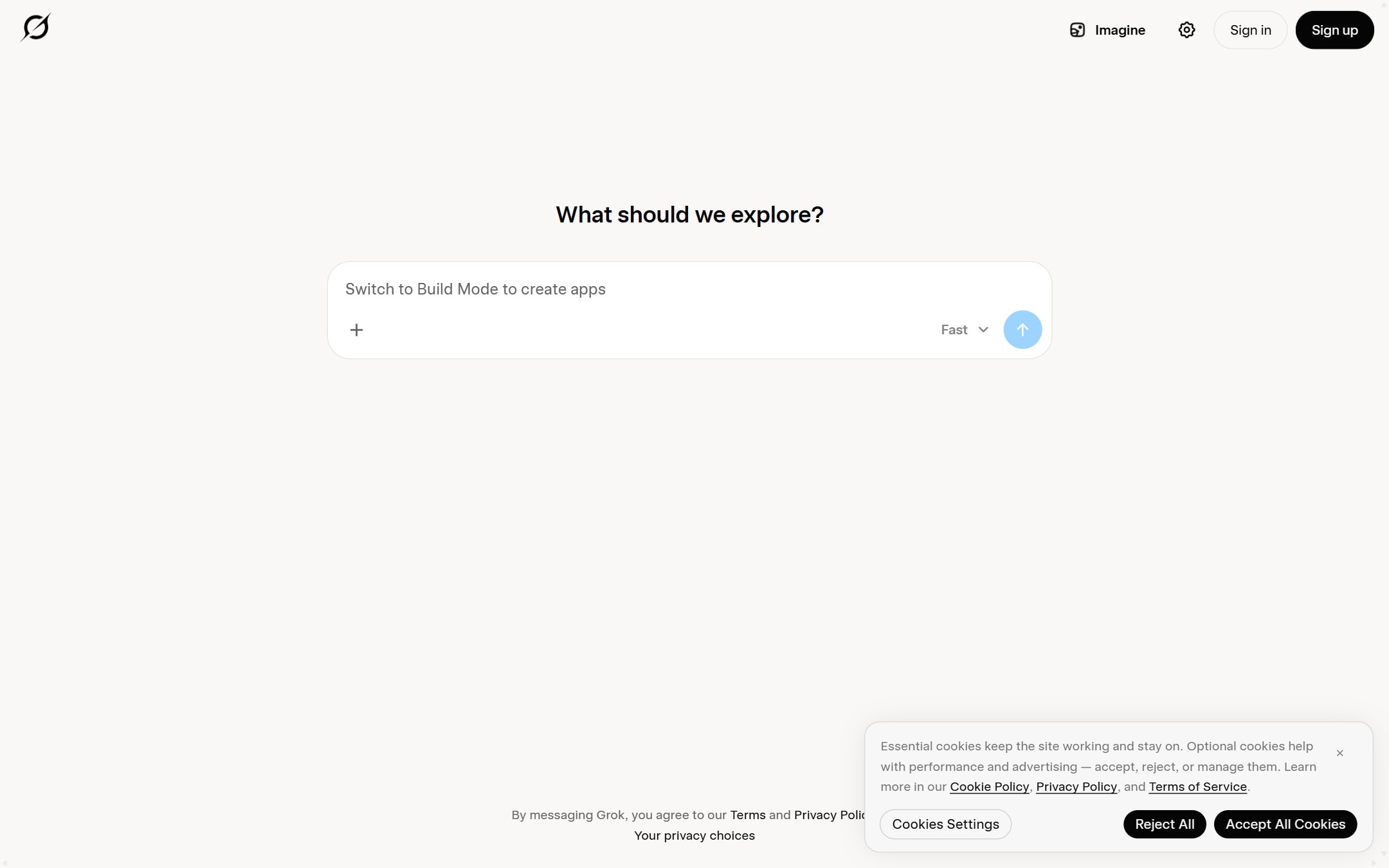
xAI's AI assistant, built into X and available on its own web and mobile apps, with live web and X search, voice, and image generation.

Quick take

Grok is xAI's assistant. It sits inside X and also runs as its own web and mobile app, with live search across the web and X, a voice mode, and image and video generation. Its strength is current information and a direct, informal style. Its weak point is that the same style can be blunt or off-brand, and live results still need checking.

Best fit

Grok fits people who already spend time on X and want answers that include current posts, plus founders and marketers who want fast drafts and quick research. It is a good pick when speed and current context matter more than a careful, neutral tone.

First setup

1

Use Grok free by signing in on the web app, the mobile app, or inside X.

2

For a real test, ask it about something happening now and turn on DeepSearch so it pulls current web and X results.

3

Turn on the thinking or reasoning mode when a question needs more than a quick answer.

4

For writing, set the audience, tone, and length in your prompt, since the default voice is informal.

5

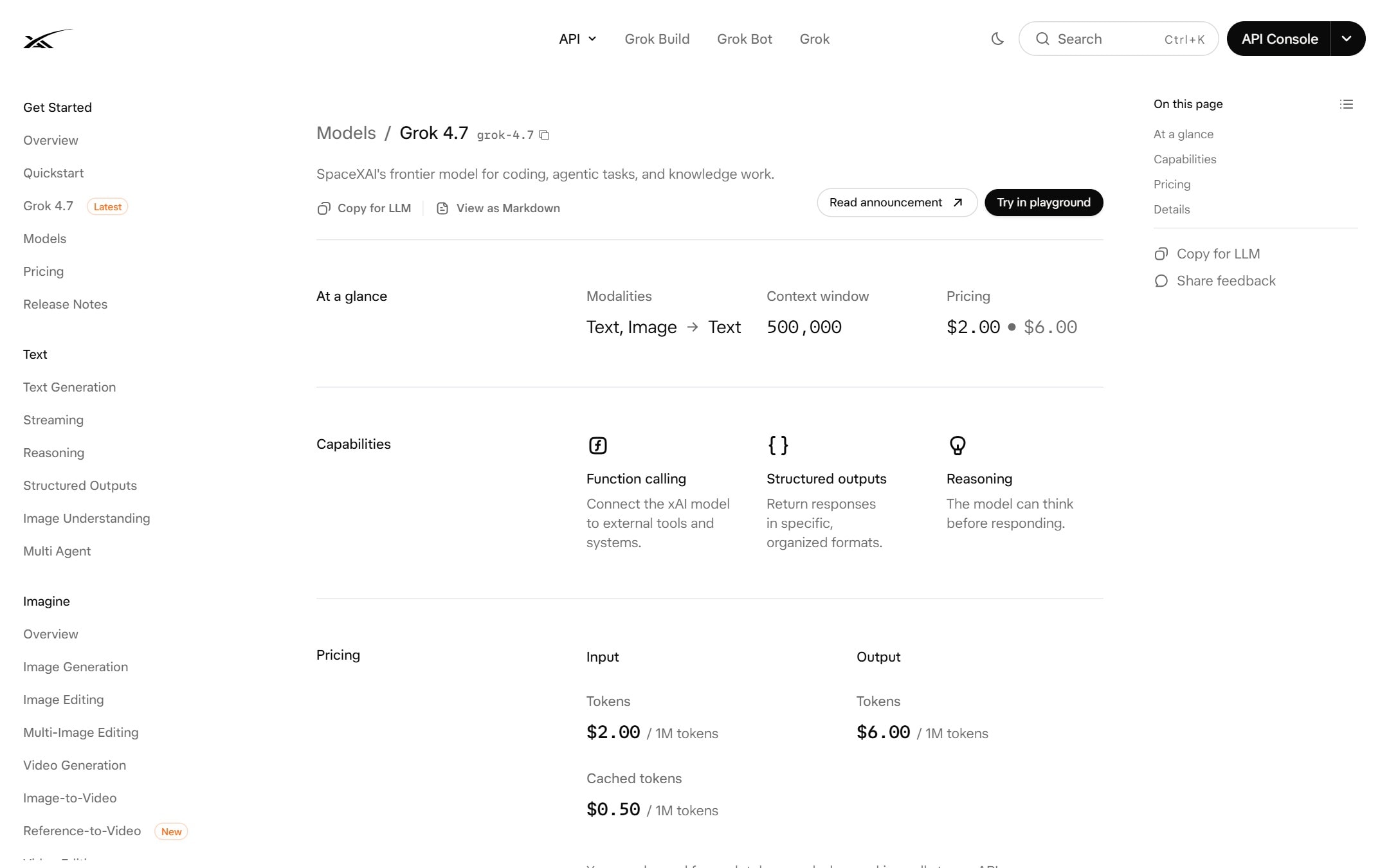
If you want to build with it, create an xAI API key on the developer platform and check the model list and rates first.

Workflows worth trying

Research a topic that is moving right now

Useful when a story, launch, or trend is developing and you need current context, not last year's summary.

  1. Ask a specific question and turn on DeepSearch so it searches the web and X.
  2. Ask it to list the sources and post links it used.
  3. Ask what is still unconfirmed or disputed so you do not treat rumor as fact.
  4. Open the top sources yourself before you act or publish.

Draft a post for X in your own voice

Useful for founders and marketers who post on X and want a faster first draft.

  1. Give Grok the point, the audience, and the tone you want, and say what to avoid.
  2. Ask for three versions at different lengths.
  3. Ask it to cut hype and anything you would not say yourself.
  4. Edit the final post by hand before publishing.

Prompt recipes

Sourced current-events answer

Using live search, answer this and cite the web pages and X posts you used. Separate confirmed facts from claims that are still unverified. Question: [your question]

It forces sources and a split between fact and rumor, which matters most on fast-moving topics.

On-brand short post

Write three versions of a short post for [audience] about [topic]. Tone: [tone]. No hype, no exclamation marks. Keep each under [length]. Avoid [words or claims to avoid].

Setting tone and hard limits up front pulls Grok away from its informal default.

Buying advice

Start on the free plan

The free tier is enough to see whether Grok's answers and tone fit your work. Paid limits only matter once you hit them often.

A paid consumer plan if you use it daily

If you rely on DeepSearch, voice, and higher limits every day, a paid tier such as SuperGrok removes the friction. Check the current plan grid before you pick one.

The API for building, priced per token

If you want Grok inside your own product or workflow, use the xAI API and compare its per-token cost against other models for your specific task.

Watchouts

  • Grok's default tone is informal and can be blunt. Set the tone yourself for anything customer-facing.
  • Live search can surface wrong or biased posts. Ask for sources and check them before you publish.
  • Plan names and limits change often. Read the official pricing page before you subscribe.
  • It is tied closely to X. If you do not use X, much of the live-context advantage is smaller.

Best for

  • Fast answers that pull in current web and X posts
  • Working inside X without switching to another app
  • Casual research, drafts, and image ideas with a more informal tone

Not for

  • Regulated or brand-sensitive writing where a blunt or unpredictable tone is a risk
  • Facts you plan to publish without checking against a second source

How to use it well

Use DeepSearch when you need current information from the web and X, and ask for sources. For writing, give it the audience and tone up front, because its default voice is informal and can be blunt.

Pricing note

Free plan available with limits. Paid consumer plans and API pricing are listed on xAI's official pricing page.

We link to xAI Grok pricing instead of copying every price into this page. That is safer because AI tool pricing, usage limits, and plan names change often.

How to decide

Choose this if you live inside X or want quick answers that include current posts and news, and you are comfortable checking its facts and tone.

If you plan to build on the Grok API, use the calculator to compare its per-token cost against other models first.

Related tools

Compare Grok with other tools in nearby categories.

OpenAI

ChatGPT

Free plan

A general AI assistant for writing, research, planning, data analysis, coding help, and everyday work.

Anthropic

Claude

Free plan

A conversational AI assistant often used for long documents, careful writing, coding help, and structured reasoning.

Google

Gemini

Free plan

Google's AI assistant for search-style help, writing, productivity, image work, and Workspace-related tasks.